Flag promising load leads to create a shortlist for follow-up. From the Flagged page, you can review the broker’s contact and posting details, add the broker to your network, or remove the lead when you no longer need it.
Flag an load lead
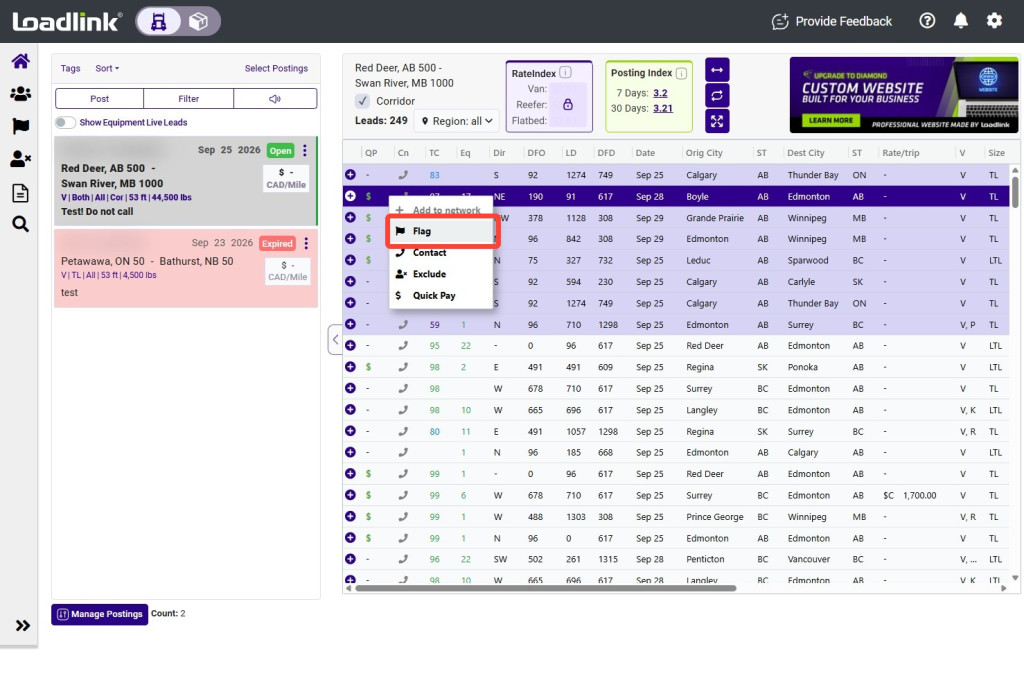
Find the load lead you want to save. Right-click the lead, then select “Flag.”
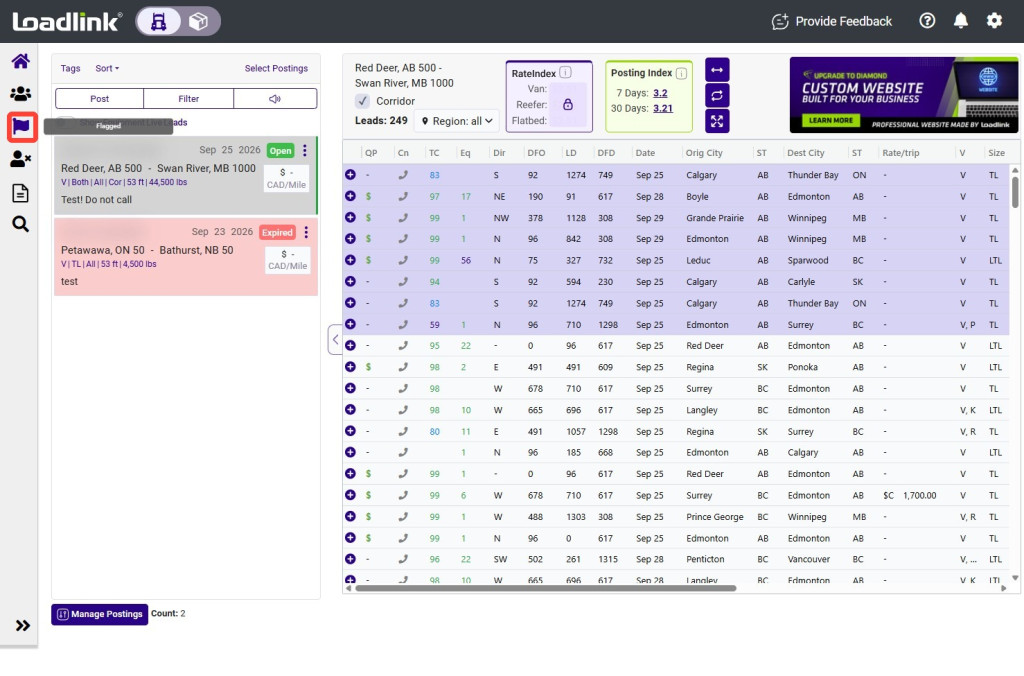
From the left navigation menu, select “Flagged.”
Review Flagged Leads
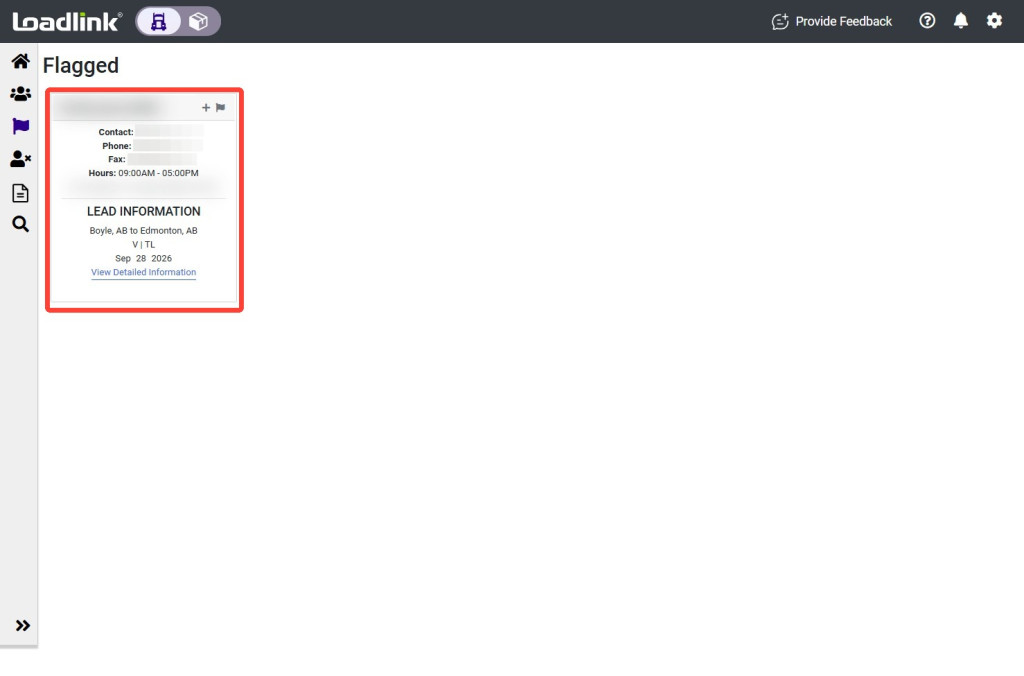
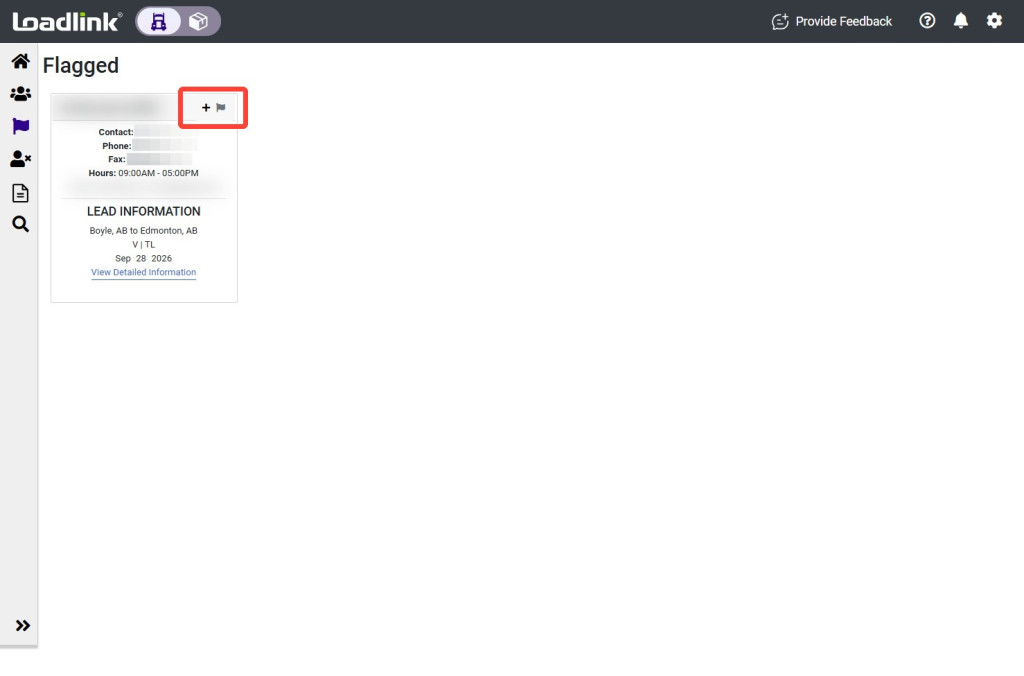
Each card displays a summary of the load lead, including the broker’s contact information.
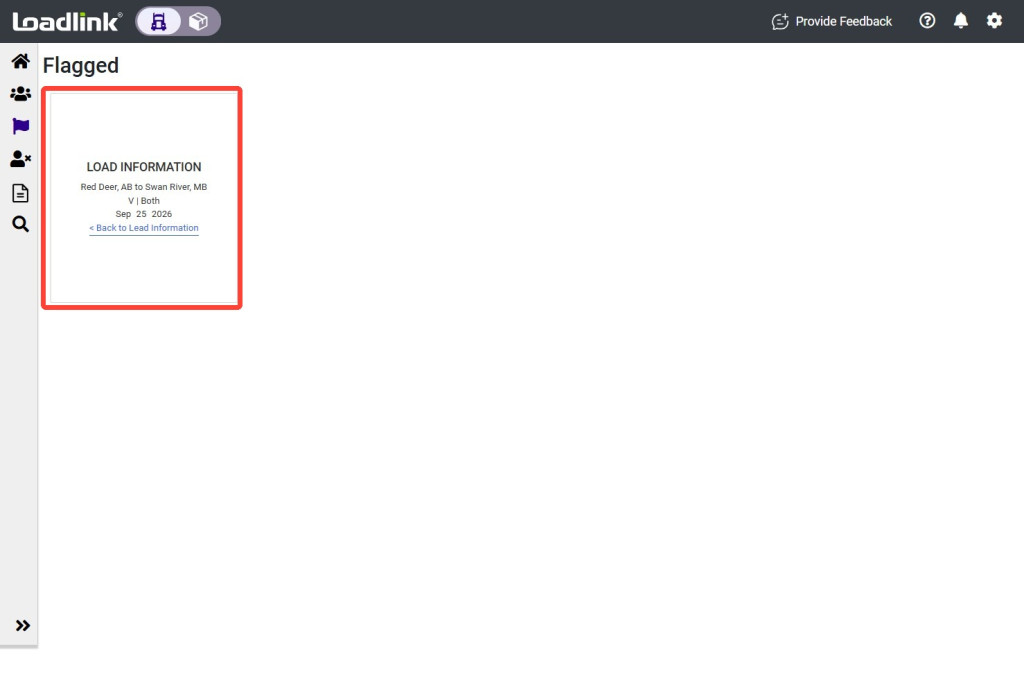
Select “View Detailed Information” to review the load posting details.
Manage Flagged Leads
From a flagged lead, you can add the broker to your network or remove the lead from your flagged list.
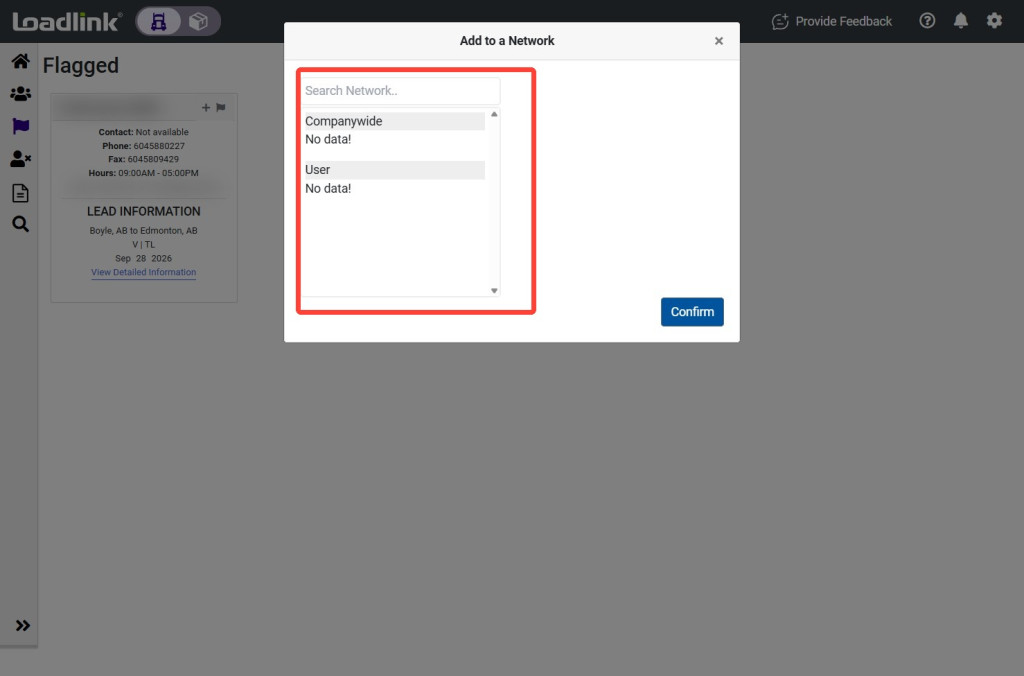
To add the broker to your network, select the “+” icon on the card. Then choose the network you want to add the broker to and click “Confirm.”
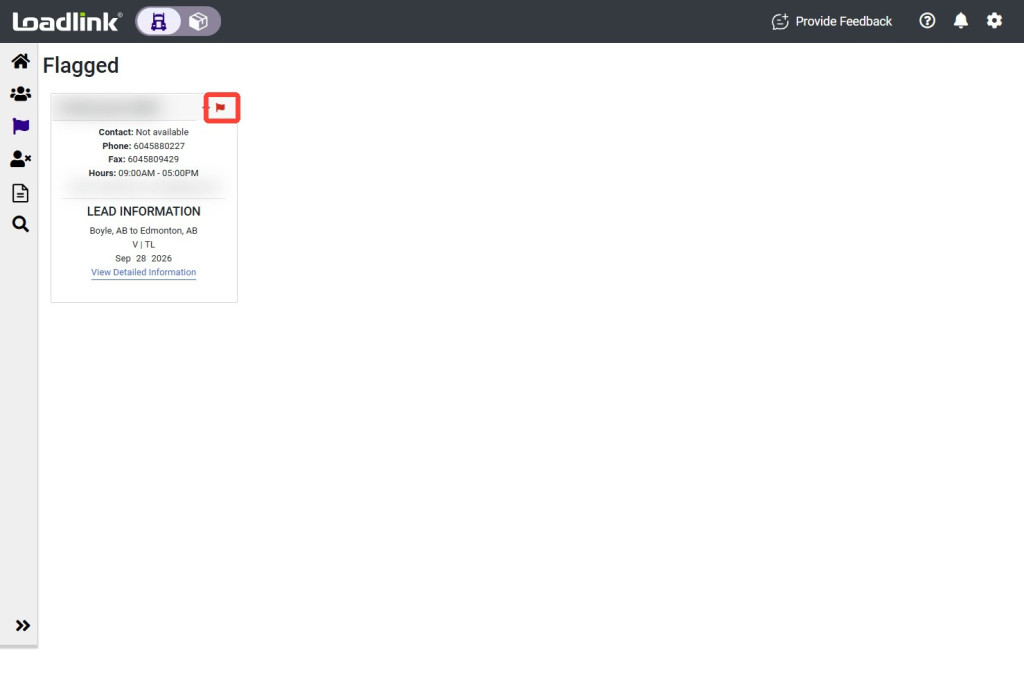
To remove the lead from your flagged list, select the flag icon on the card.