Learn how to effectively navigate the Loadlink platform to locate and filter carrier information. This guide provides a clear walkthrough of the search parameters to help you identify specific transportation partners.
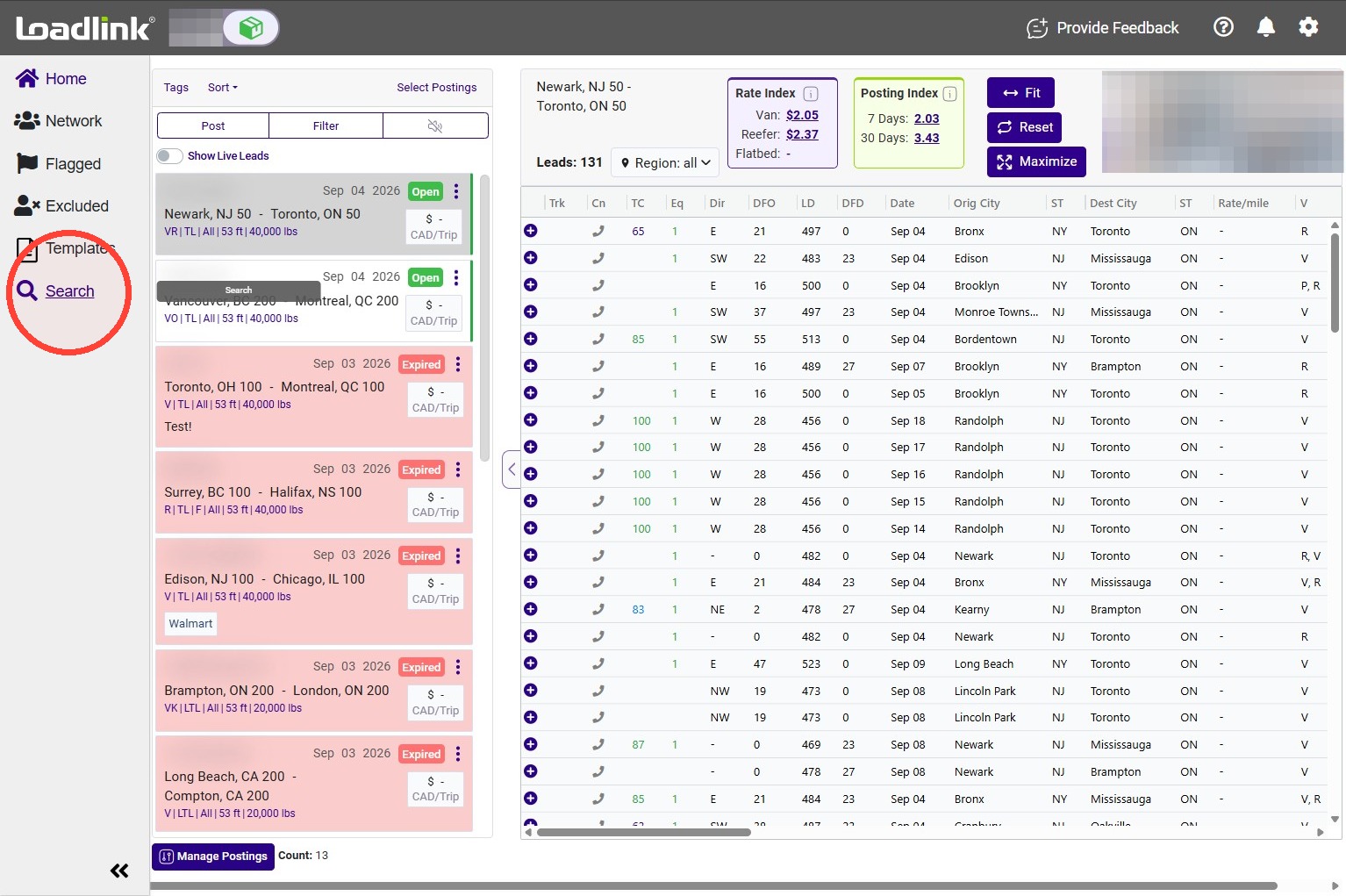
Open Search
Click the Search menu to access member searches.
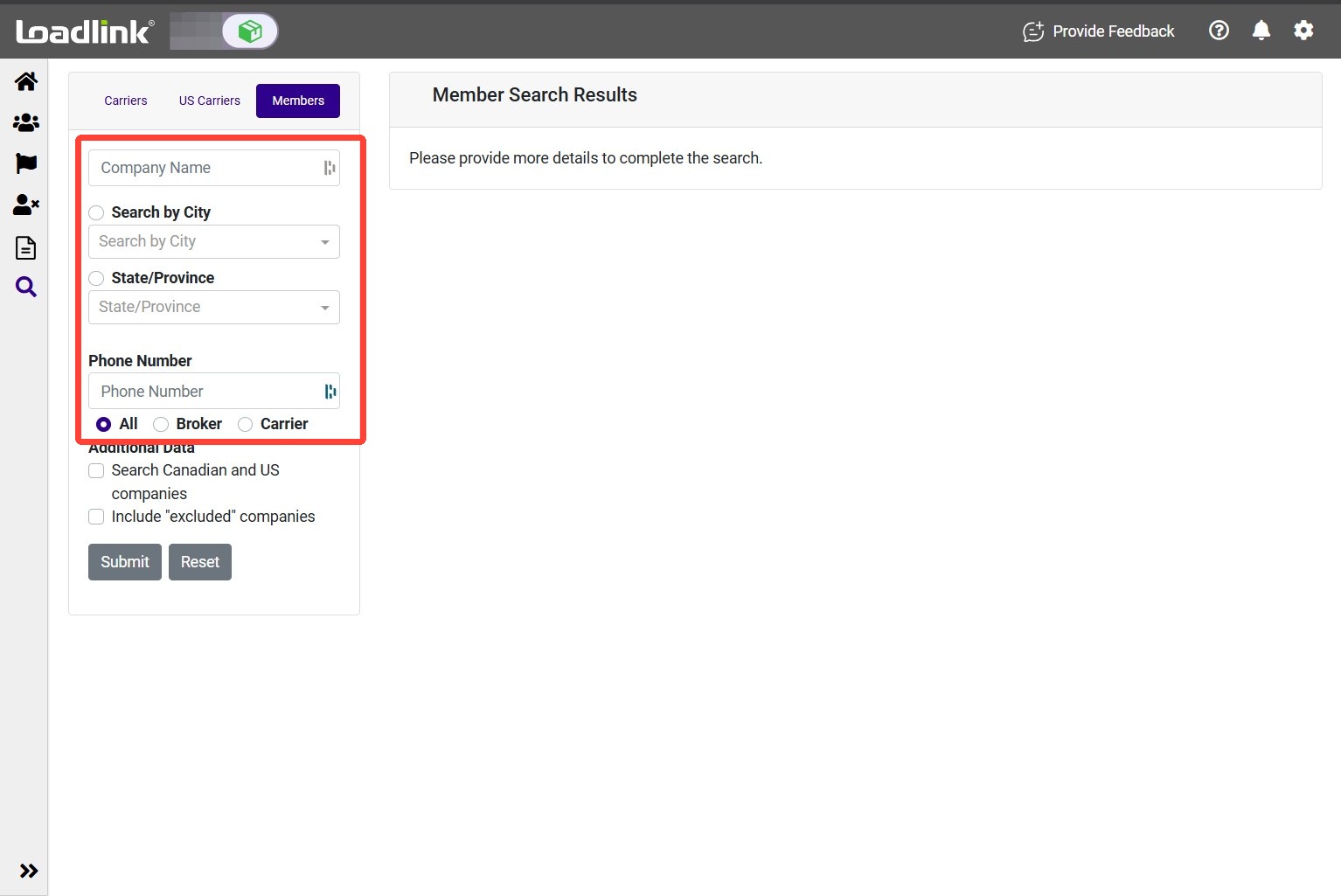
Enter company details
Search using Company Name, City, State/Province, or Phone Number.
Choose Carriers to focus on carrier companies, Brokers to find brokers, or all active members for a broader search.
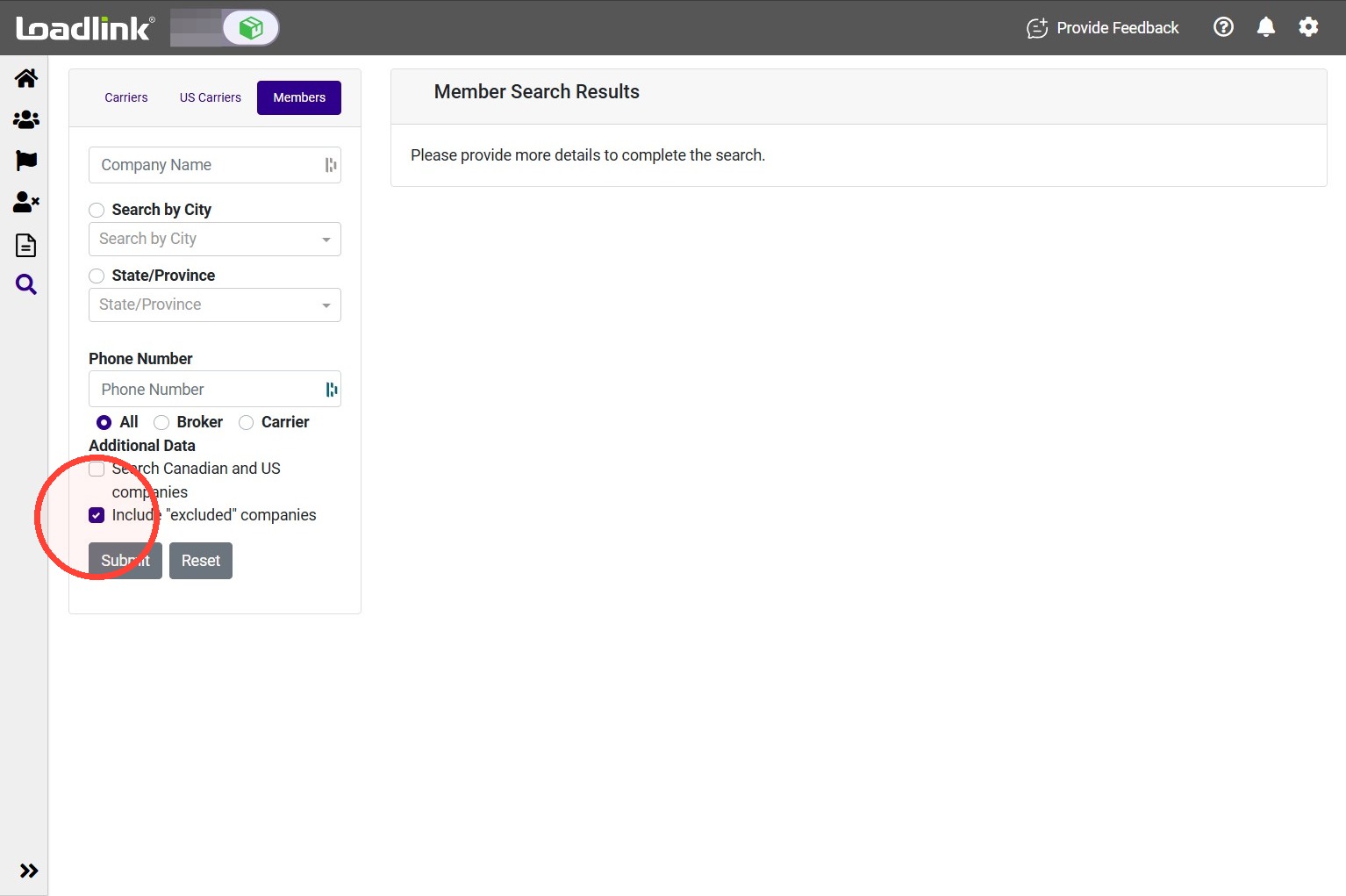
Adjust your search options
– Search Canadian and US companies: Include member information from Loadlink and DAT. Available with eligible subscription packages.
– Include ‘excluded’ companies: Include companies you previously excluded when they match your search. Leave this unchecked to keep them out of the results.
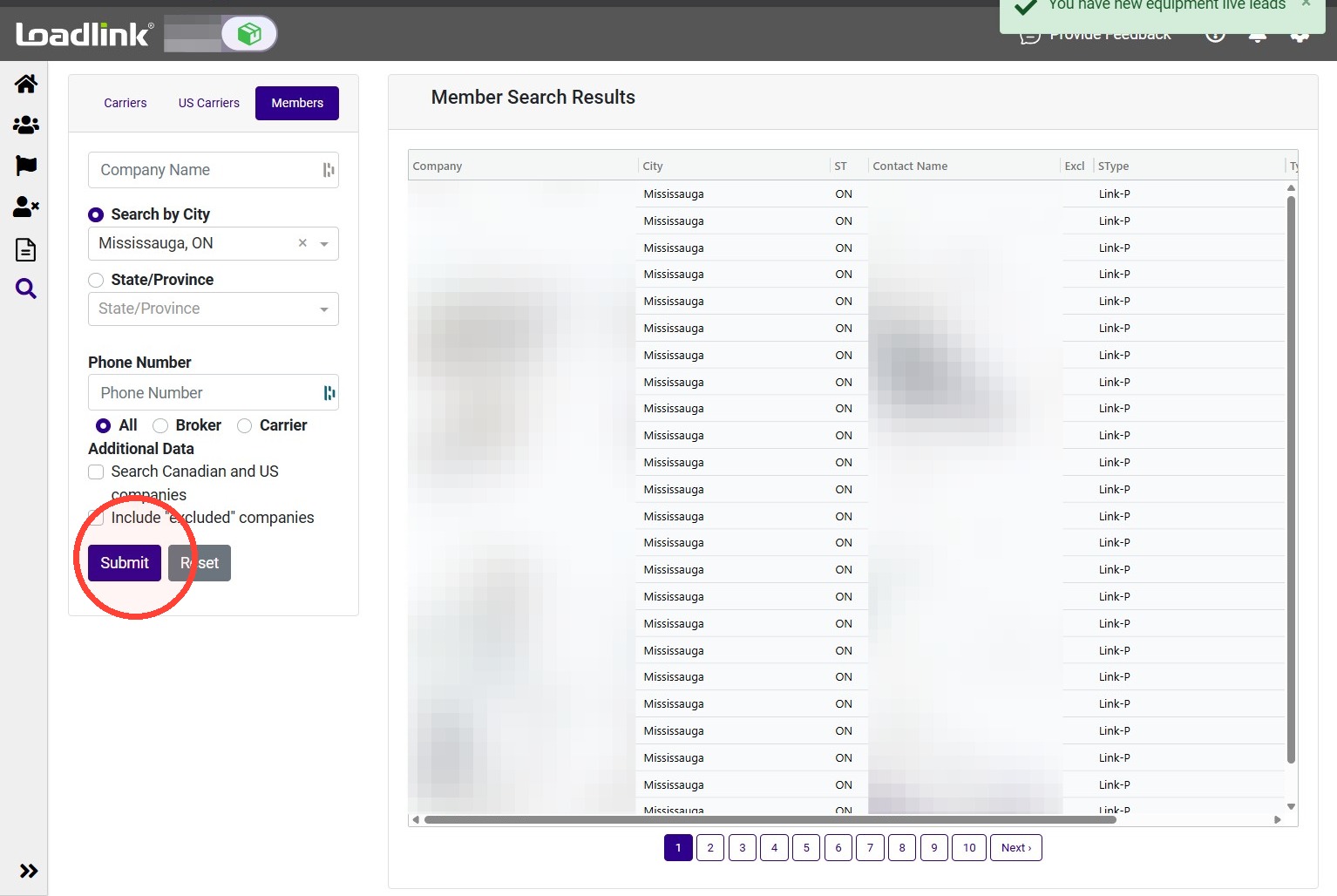
Click Submit to display matching companies in the results grid.
Use the navigation controls at the bottom of the screen to browse additional results.
Review a company
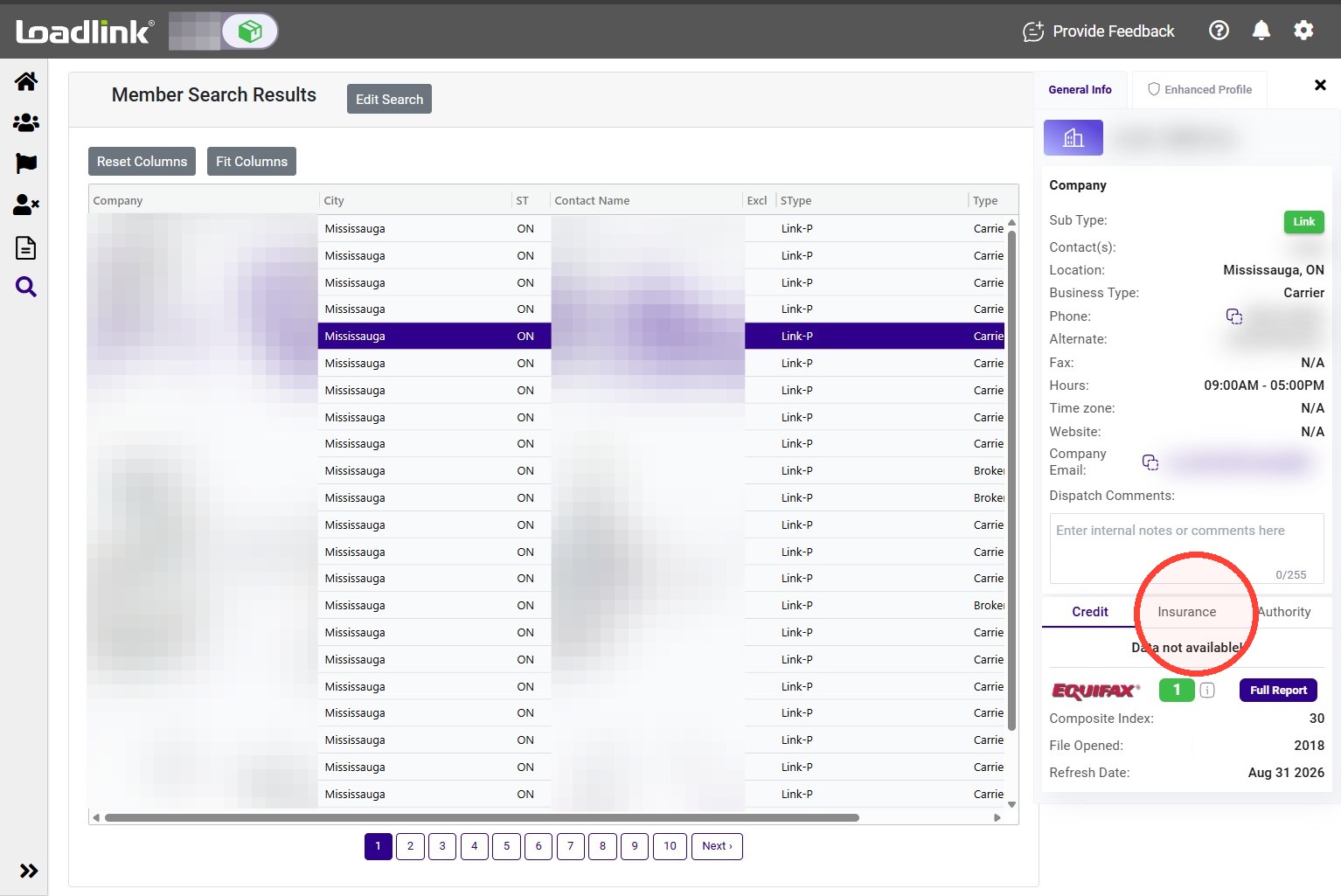
Click a matching company to open its General Info page and review the available company and contact details.
Select Authority to review available operating authority information.
Edit your search
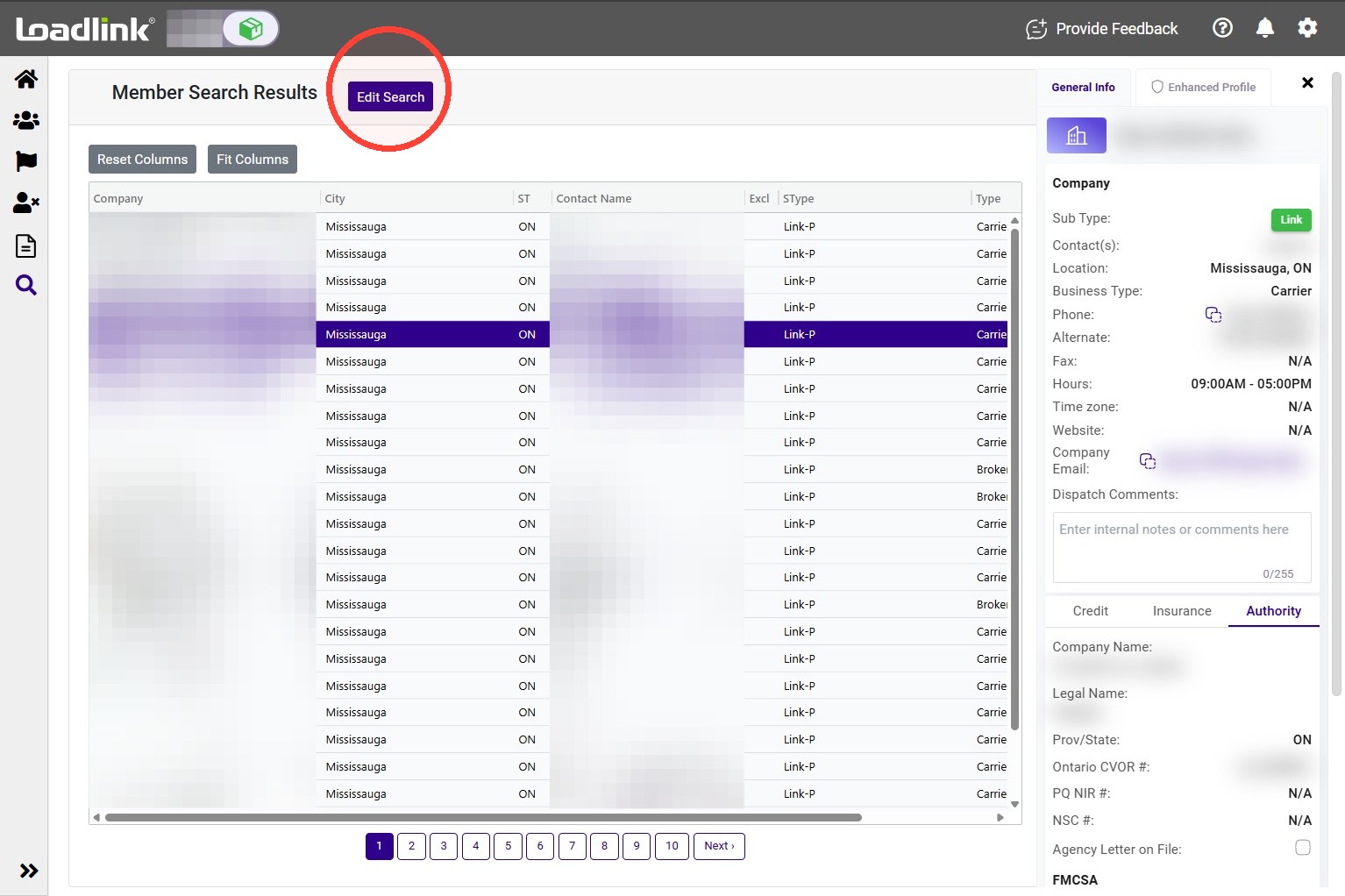
Click Edit Search at any time to change your search criteria, then click Submit to view the updated results.