Equipment postings expire at the end of their posted date to help keep Loadlink information accurate. Follow the steps below to delete selected postings or manage all expired equipment postings.
Delete Equipment Postings in Bulk
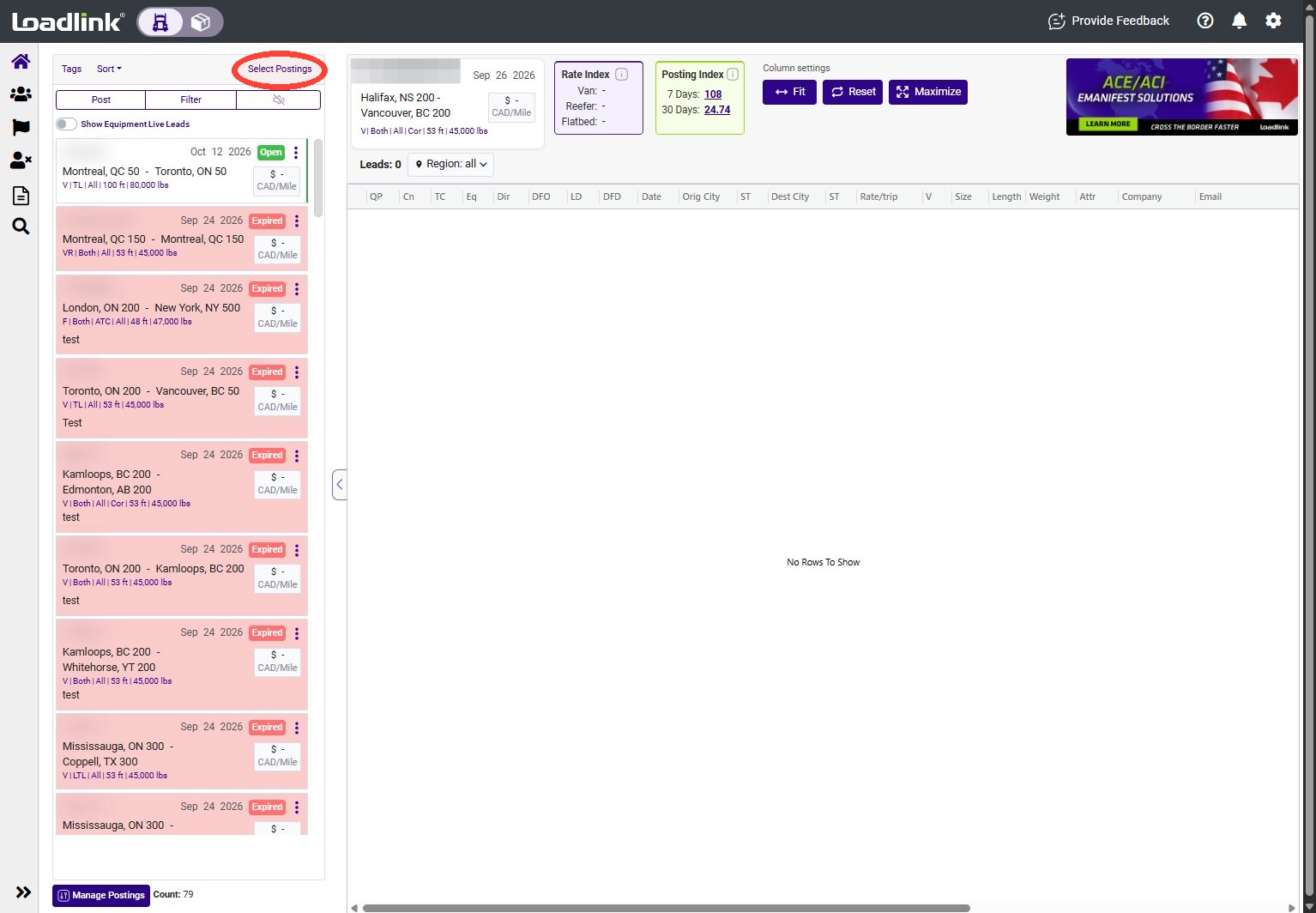
Click “Select Postings.”
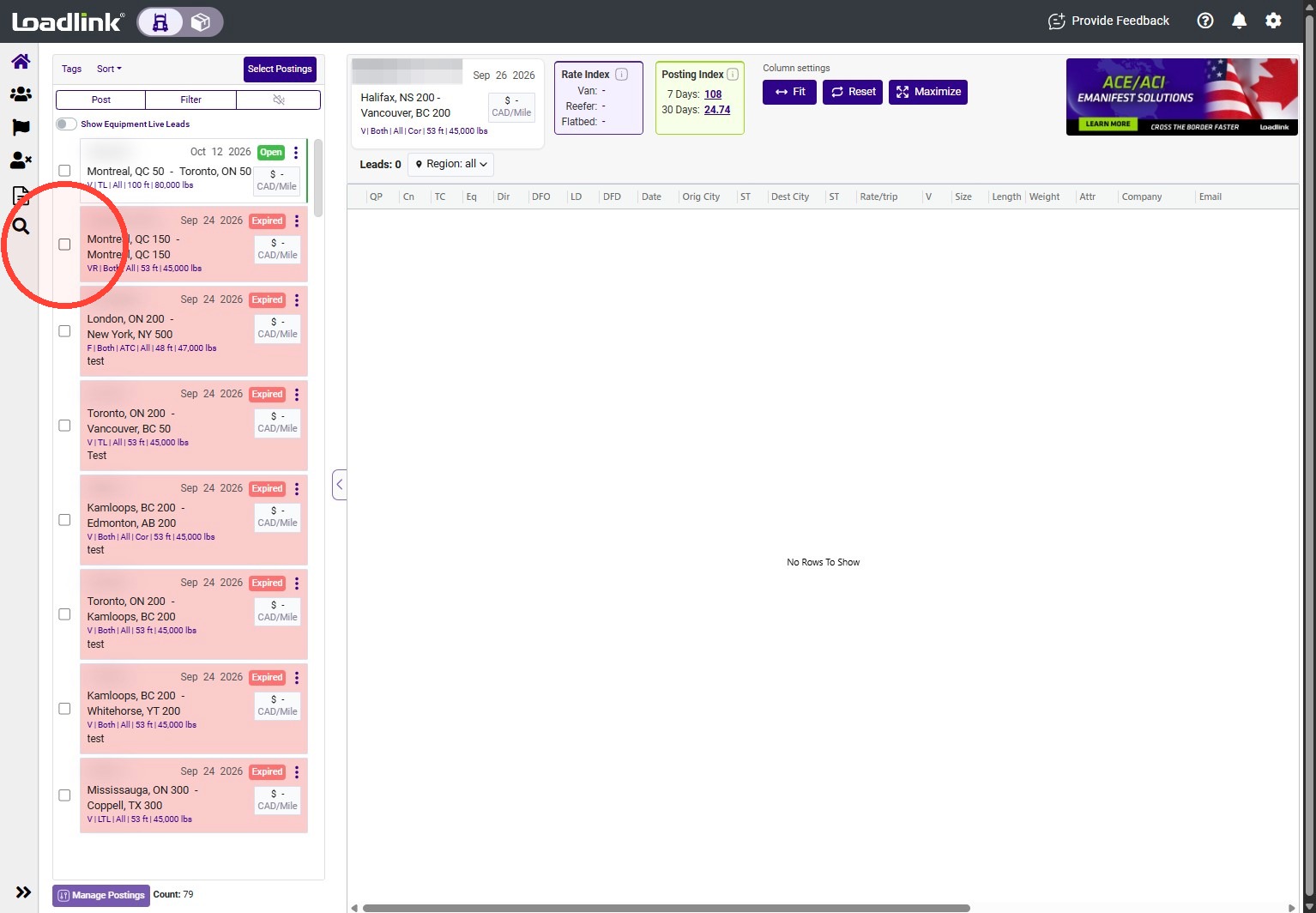
Select the checkbox beside each posting you want to remove.
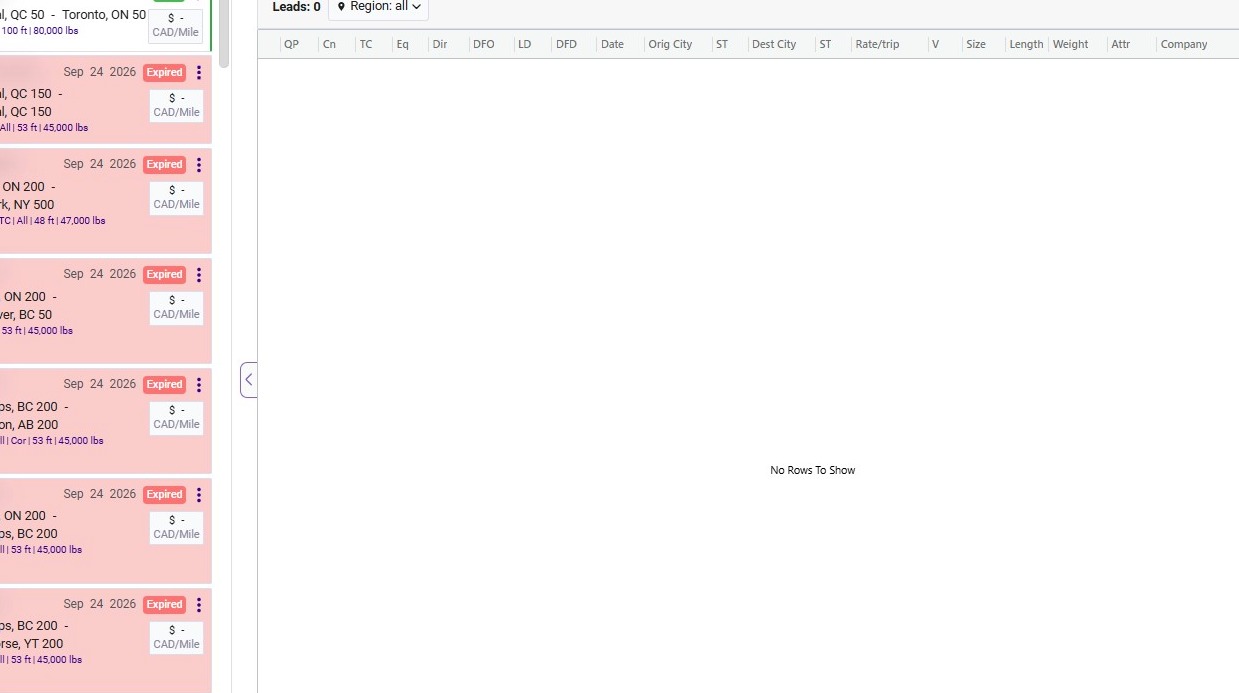
Click Delete Postings
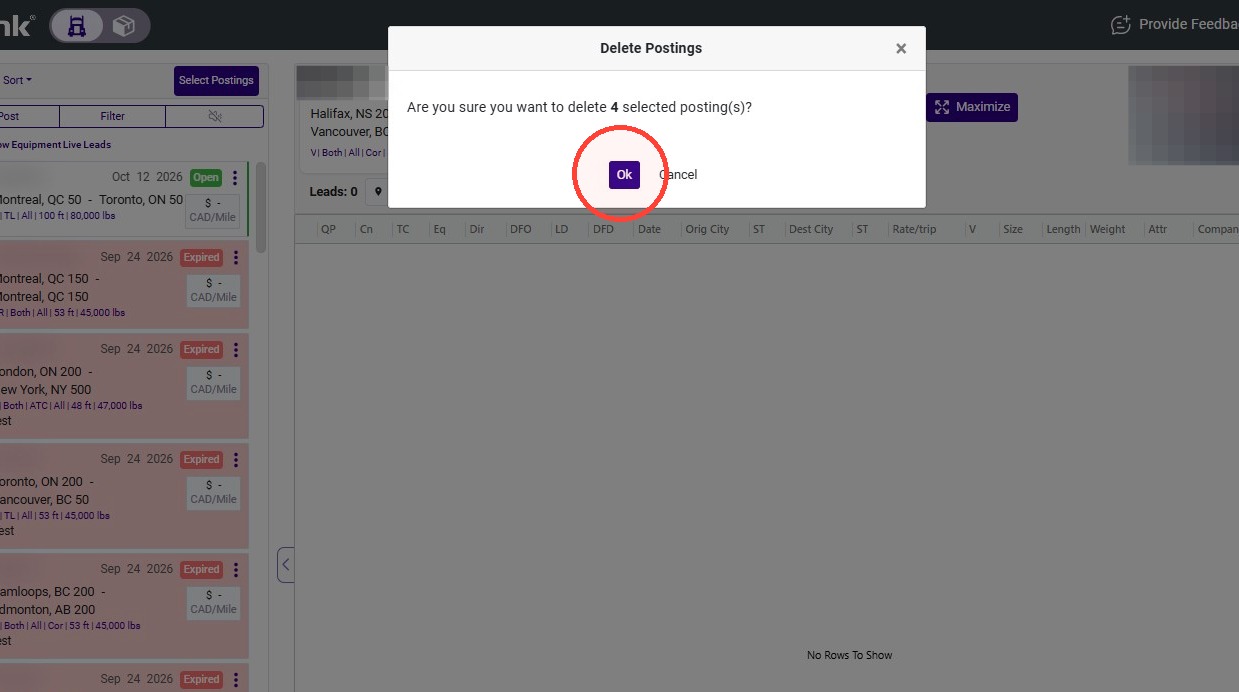
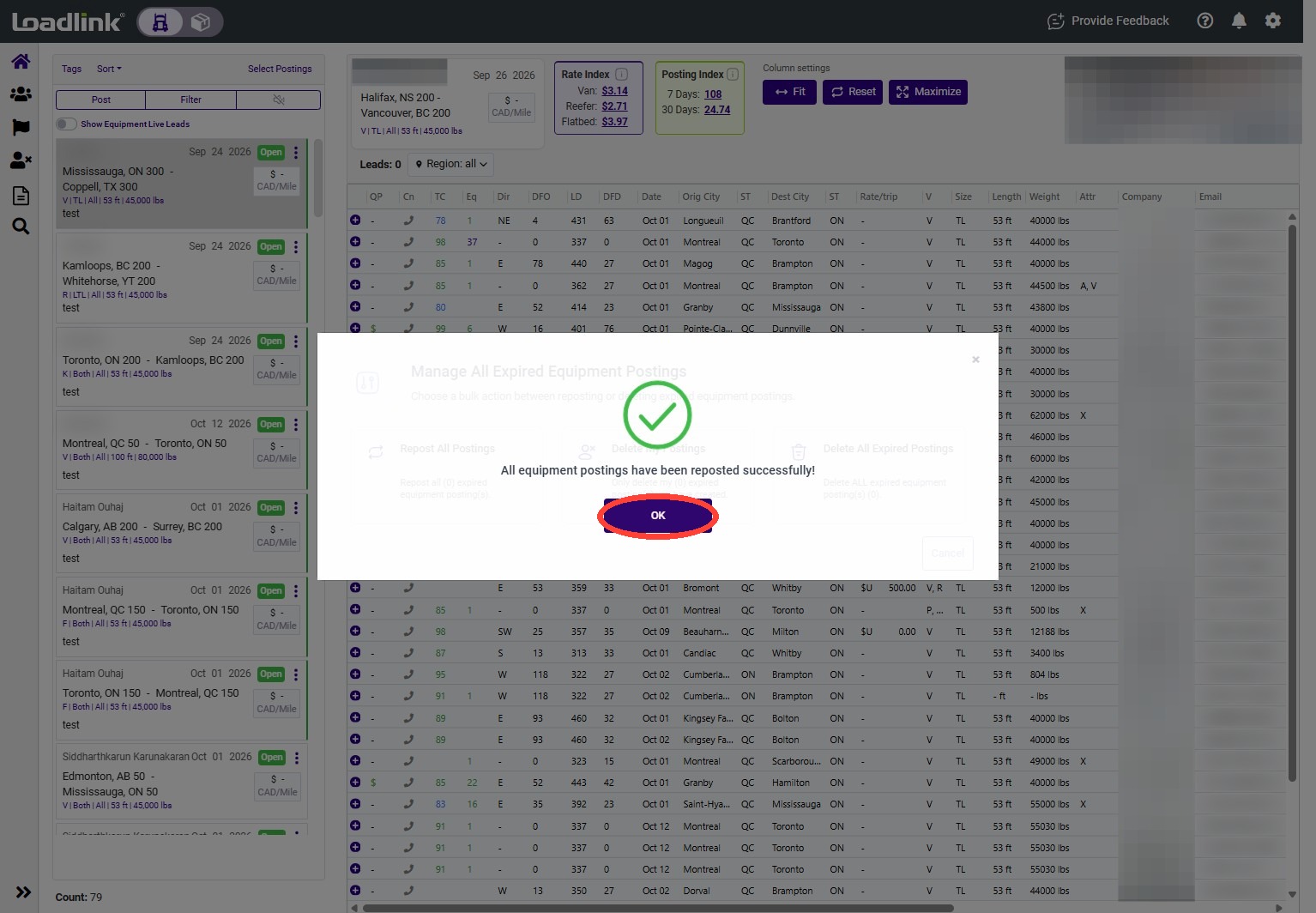
Click “Ok” to confirm the posting deletion.
Manage all Expired Equipment Postings
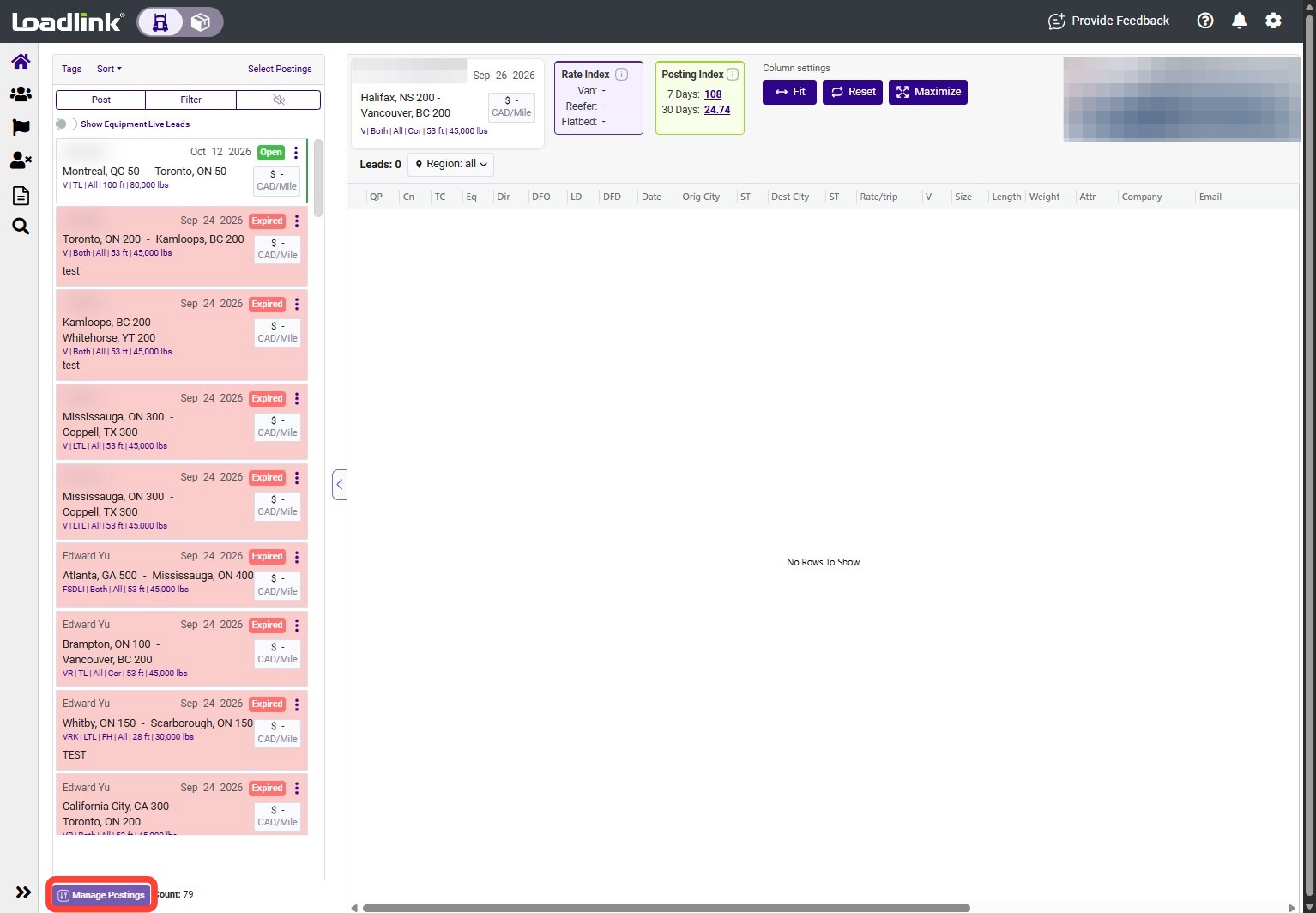
Click Manage Postings at the bottom of the postings panel.
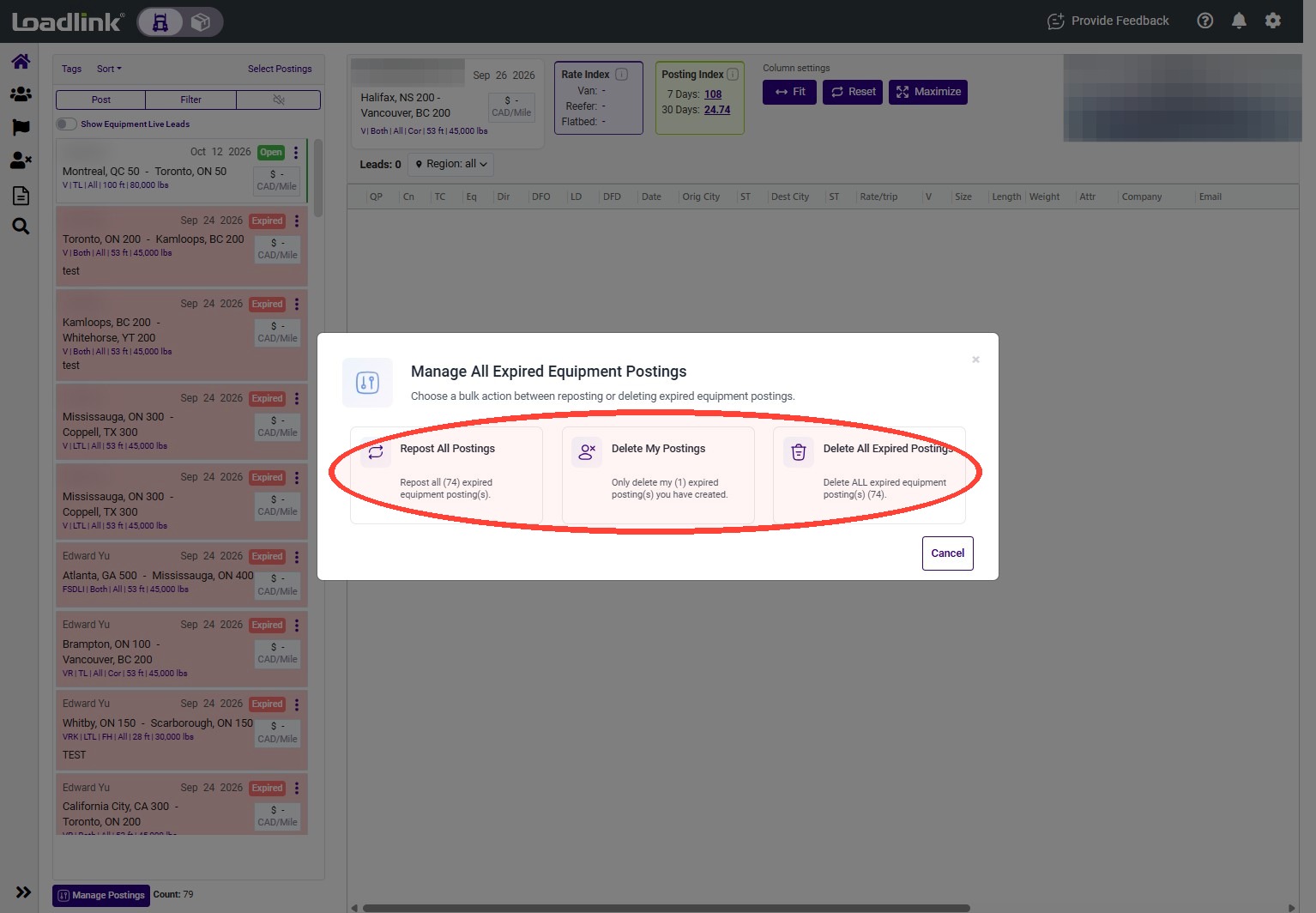
Choose one of the following options:
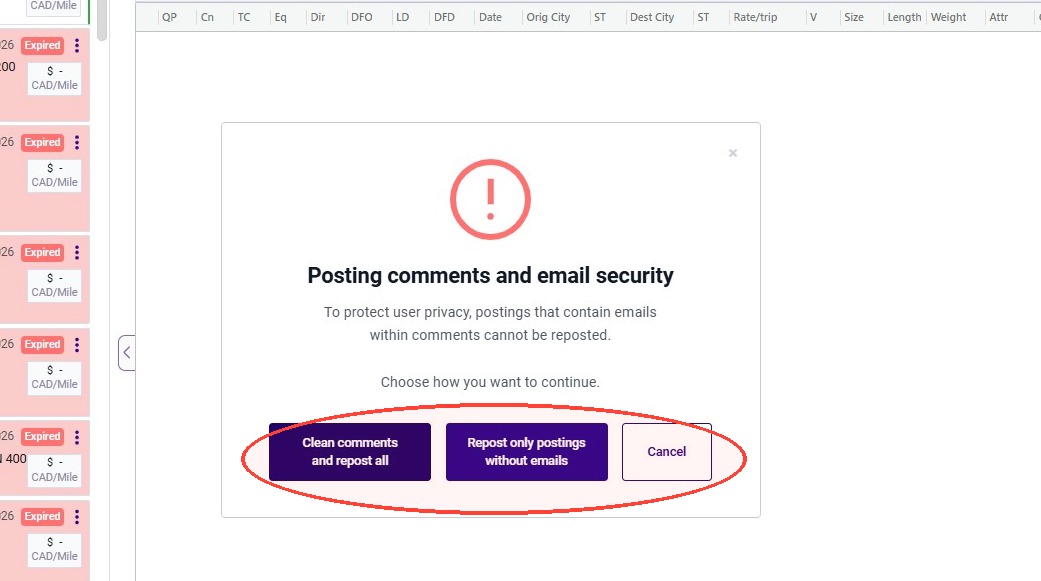
– Repost All Postings: Makes all expired equipment postings active again. – Delete My Postings: Deletes only the expired equipment postings you created. – Delete All Expired Postings: Deletes all expired equipment postings.