Enhanced Profile View gives you additional information to help evaluate brokers before accepting a load. Review operating details, Loadlink activity, registered business information, regulatory records, and more from one place.
Availability: Enhanced Profile View is available with Platinum Power Carrier and Diamond packages.
Open Enhanced Profile View
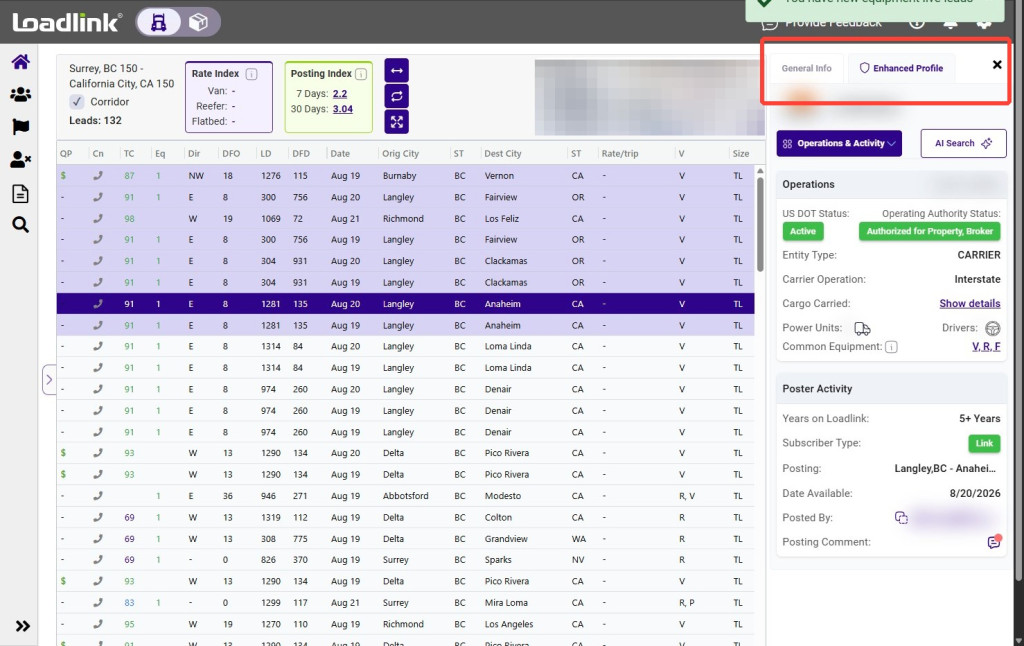
From the broker’s General Info panel, select Enhanced Profile.
The Enhanced Profile displays additional information about the broker’s operations and Loadlink membership.
Review Operations and Authority
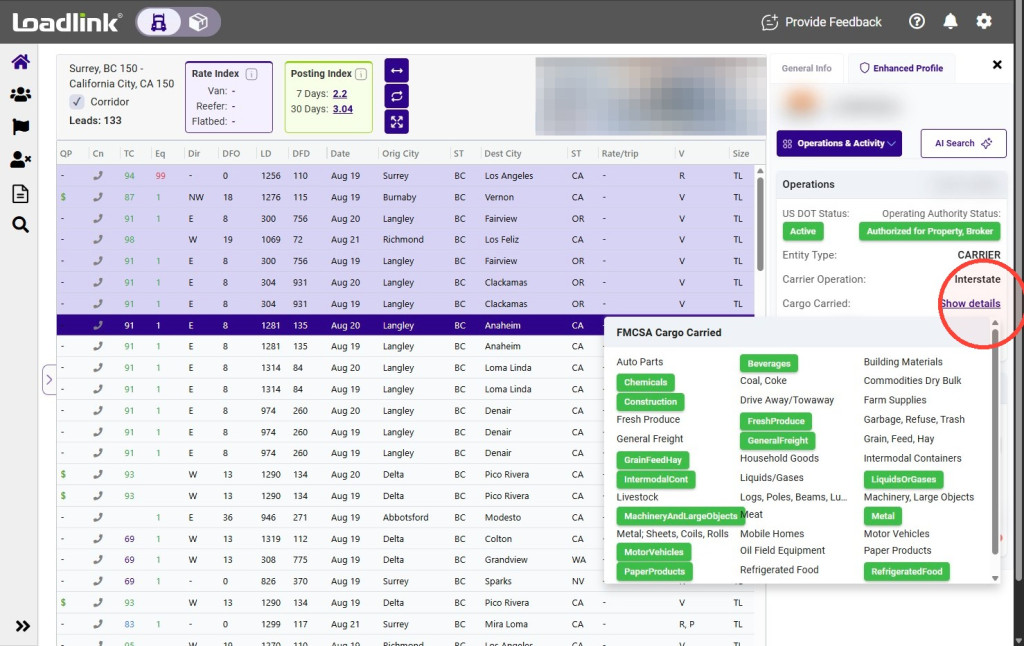
Under Operations & Authority, review available FMCSA information, including DOT and cargo details.
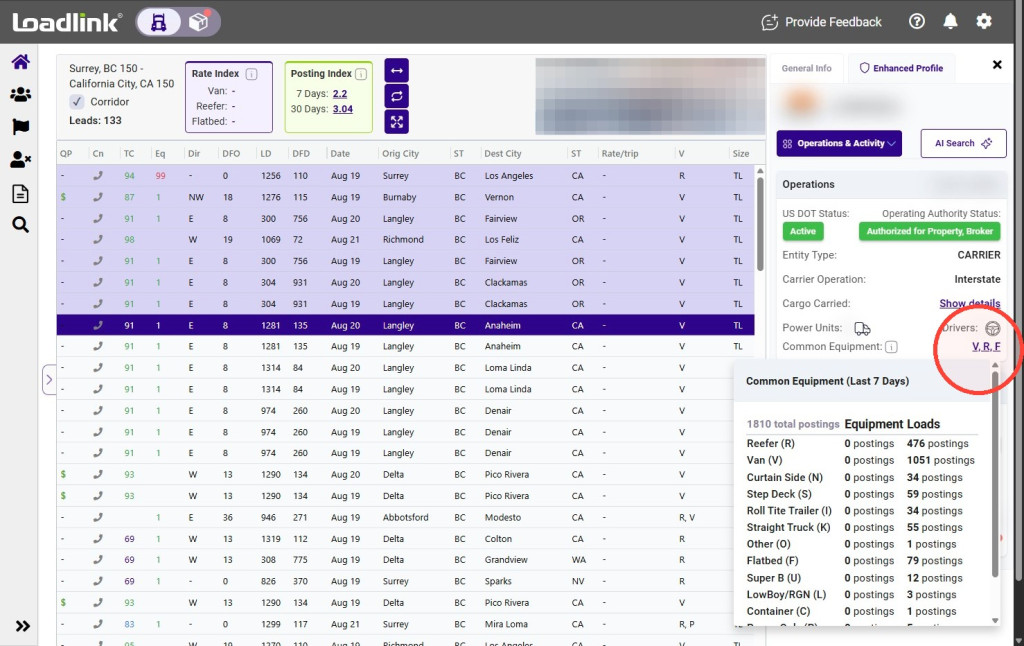
This section also provides Loadlink activity information, including load-posting volume and commonly posted equipment.
Tip!
Compare the broker’s commonly posted equipment with your fleet to identify possible repeat business opportunities.
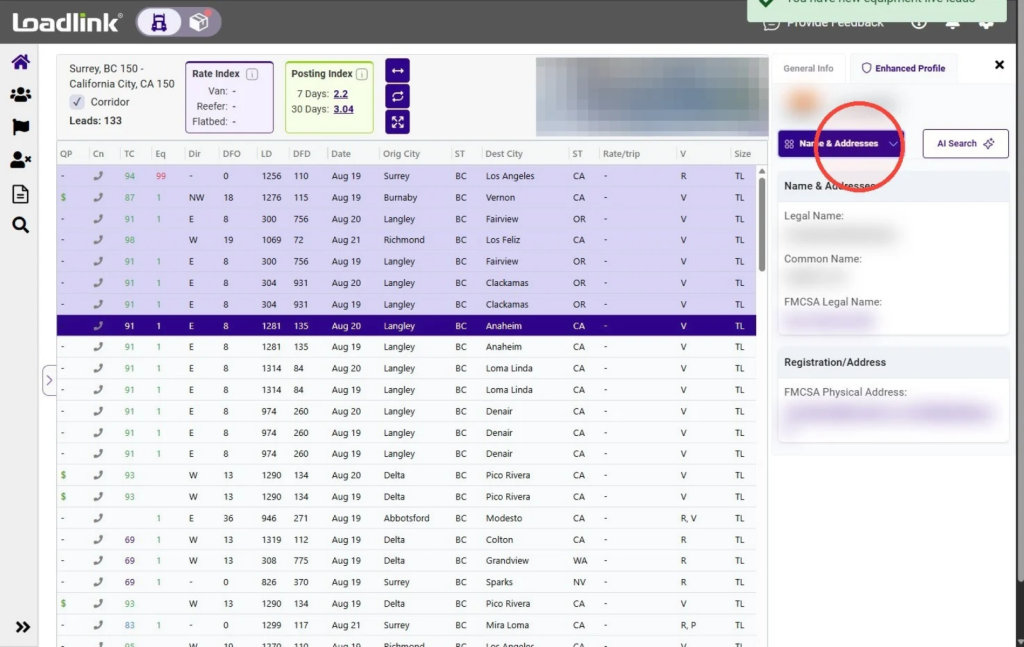
Select Name & Addresses to review the broker’s registered information, including its legal and common names.
Where available, this section also displays information registered with FMCSA.
Review Additional Details
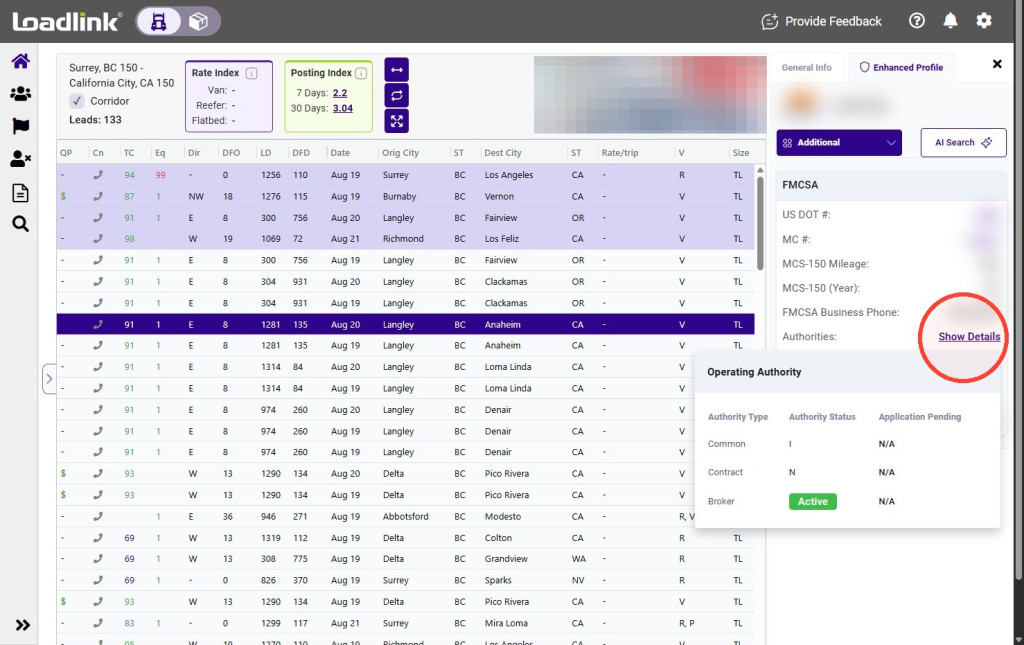
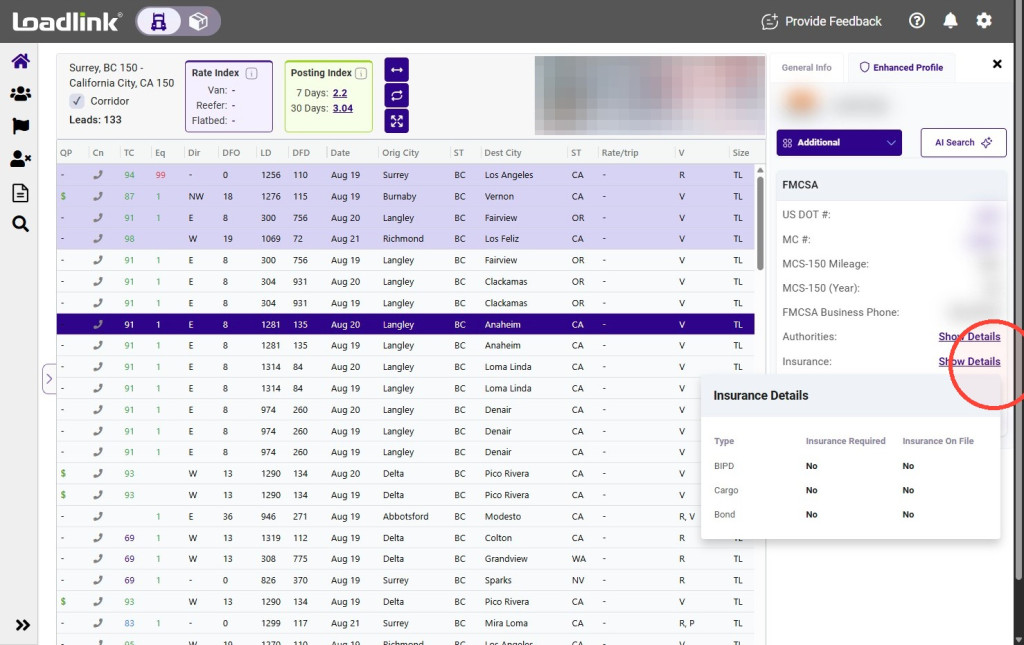
This section may include cross-border registration, authority, and insurance Select Additional to review available regulatory details.
This section may include cross-border registration, authority, and insurance information.
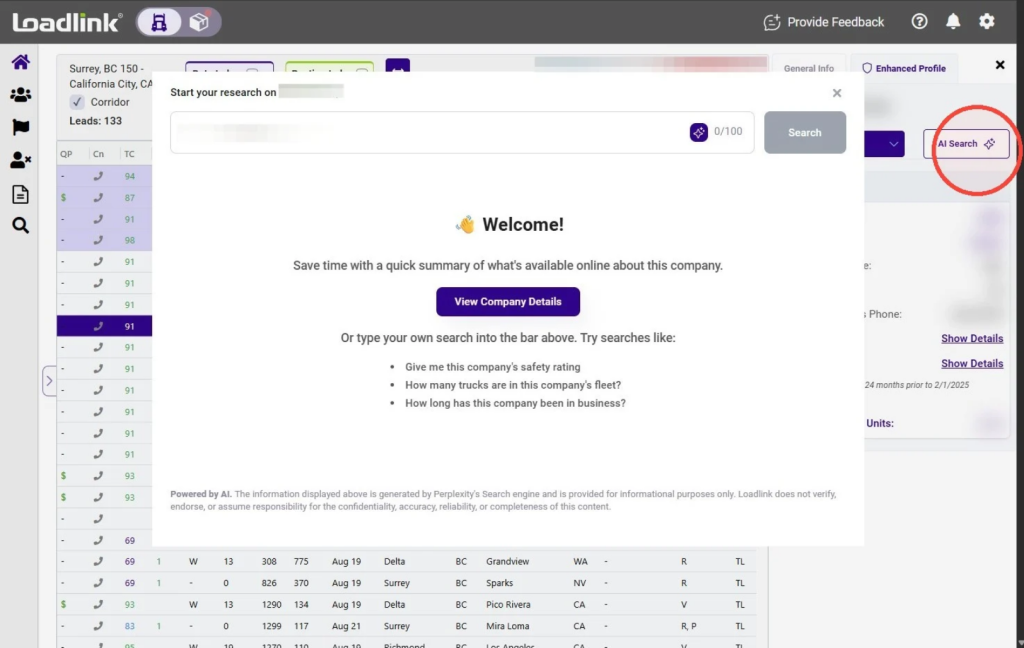
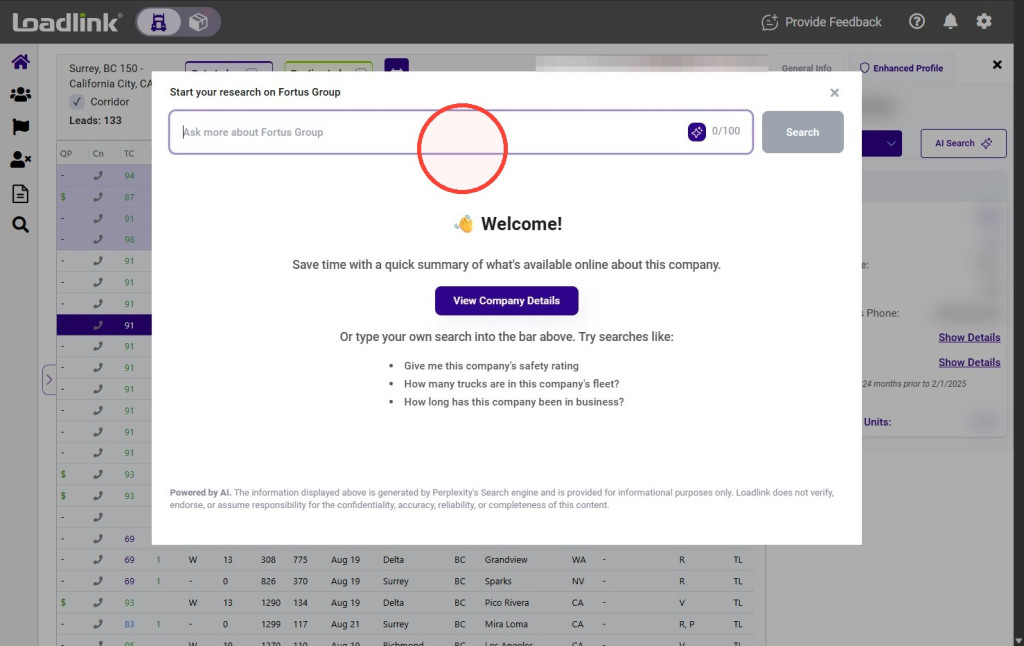
Select AI Search to ask a question about the broker.
Enter your question to receive a summary based on the information available in Enhanced Profile View.
Results are generated using data from the most reputable sources in the freight industry.