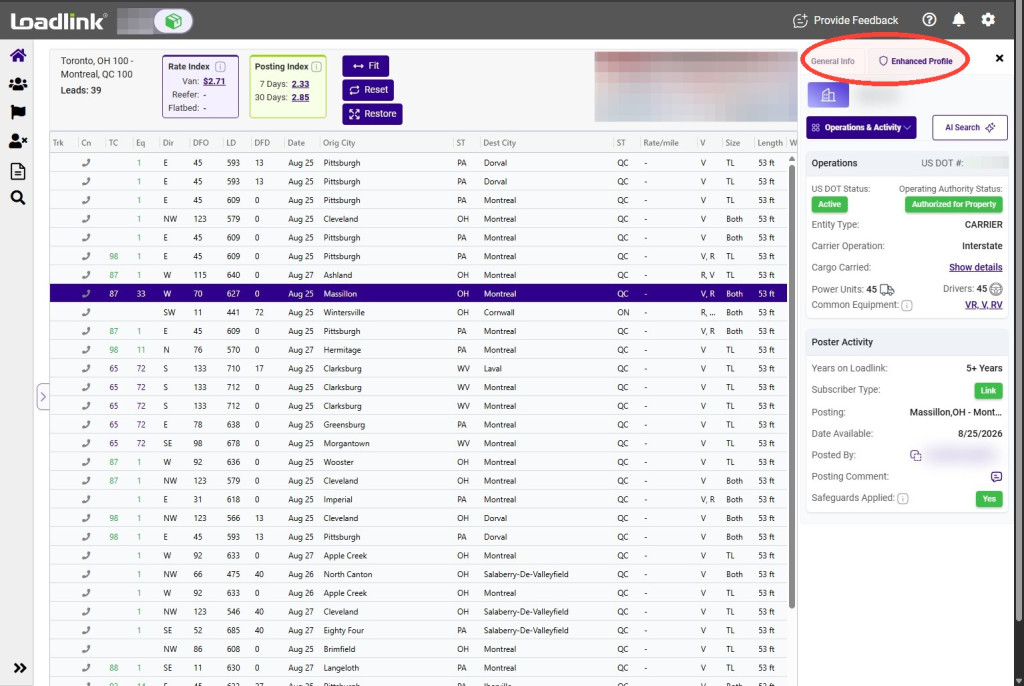
Enhanced Profile View gives you additional information to help evaluate carriers before assigning a load. Review operating details, Loadlink activity, registered business information, regulatory records, and more from one place.
Availability: Enhanced Profile View is available with the Platinum Power-Broker plan.
From the carrier’s General Info panel, select Enhanced Profile.
Review Operations and Authority
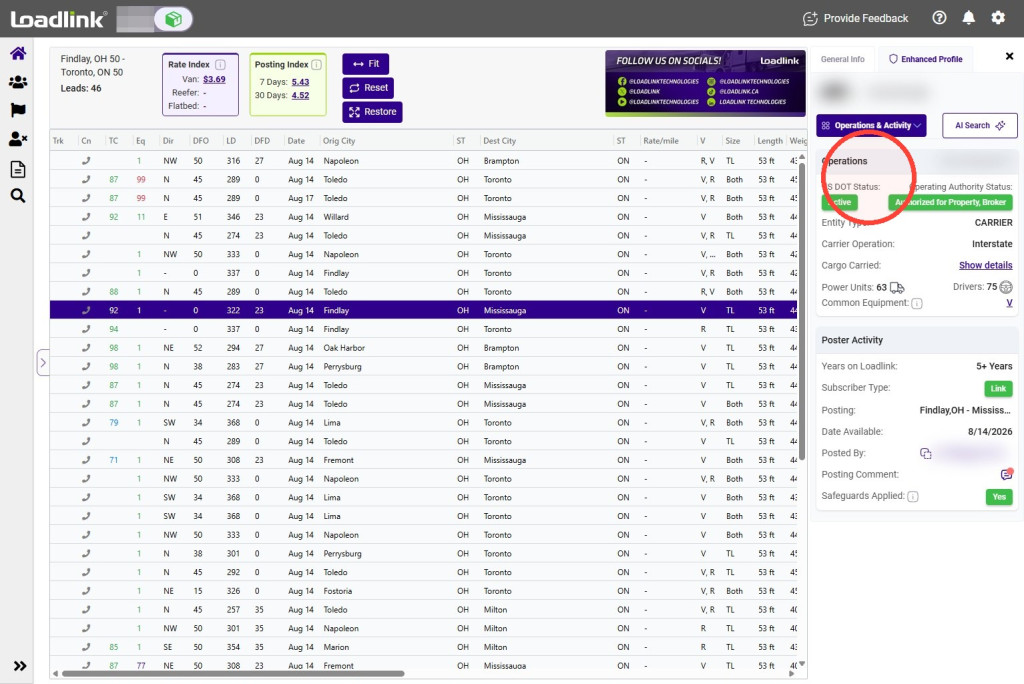
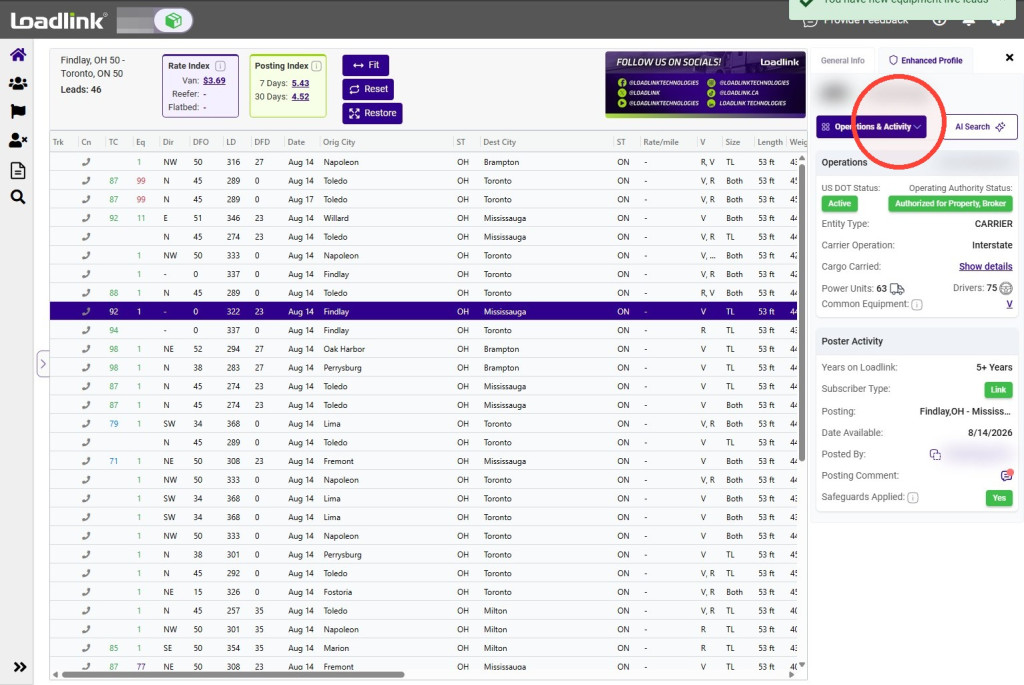
Under Operations & Authority, review available FMCSA and Loadlink information for the carrier.
Depending on the information available, this section may include:
– Registered power units – Commonly posted equipment – Loadlink membership length – Account safeguards – Operating and authority information
Tip!
Compare the carrier’s commonly posted equipment with the requirements of your load.
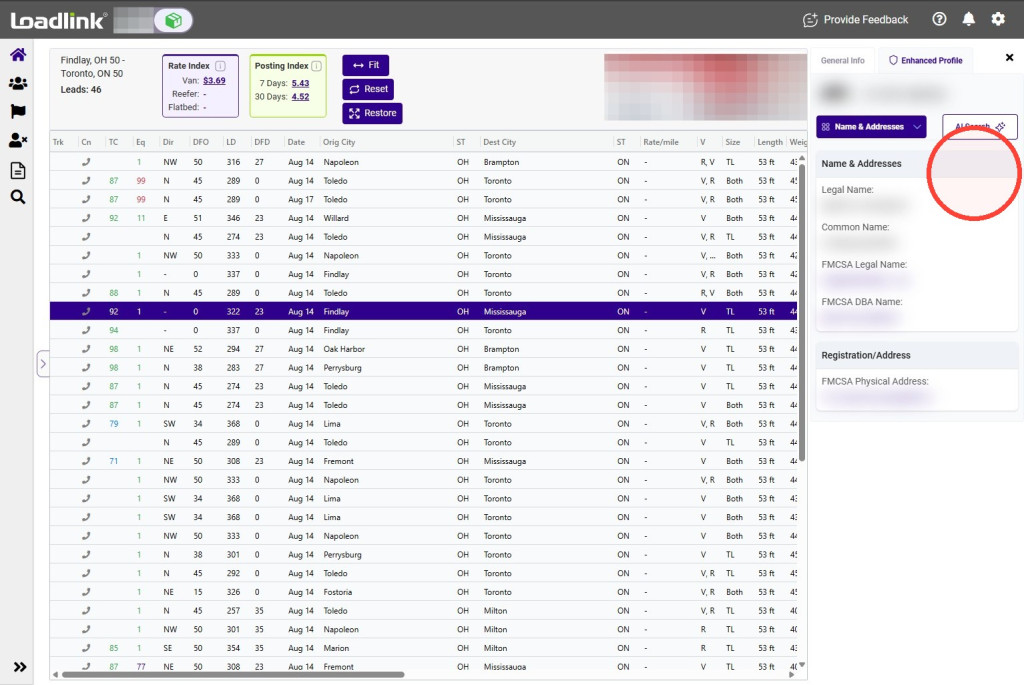
Select Name & Addresses to review the carrier’s registered identity information.
This section may include the member’s legal name, common name, and registered address.
Review Additional Details
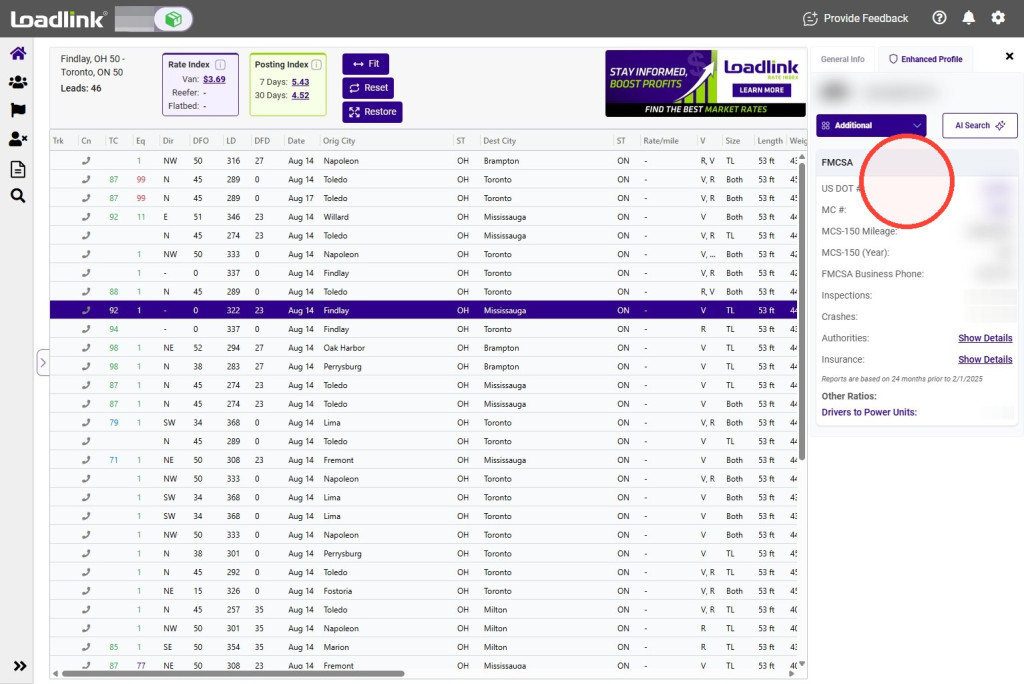
Select Additional to review available regulatory information.
Depending on the carrier’s records, this section may include:
– FMCSA inspection information – MC and DOT details – Operating authority – Insurance information – Registered commodities – Cross-border registration details
Click “Show Details”
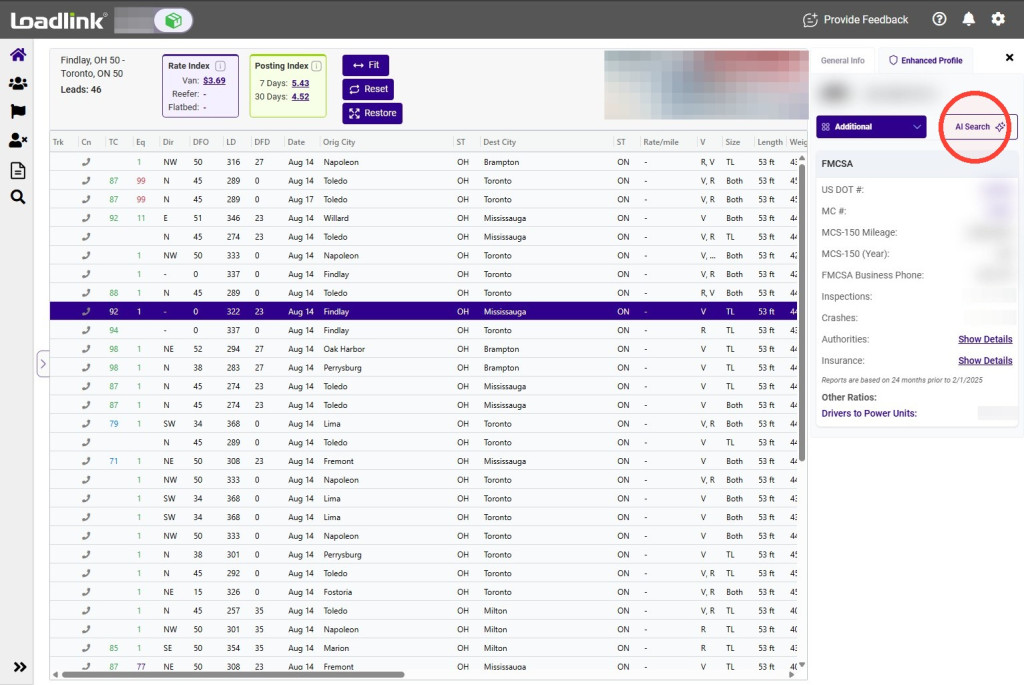
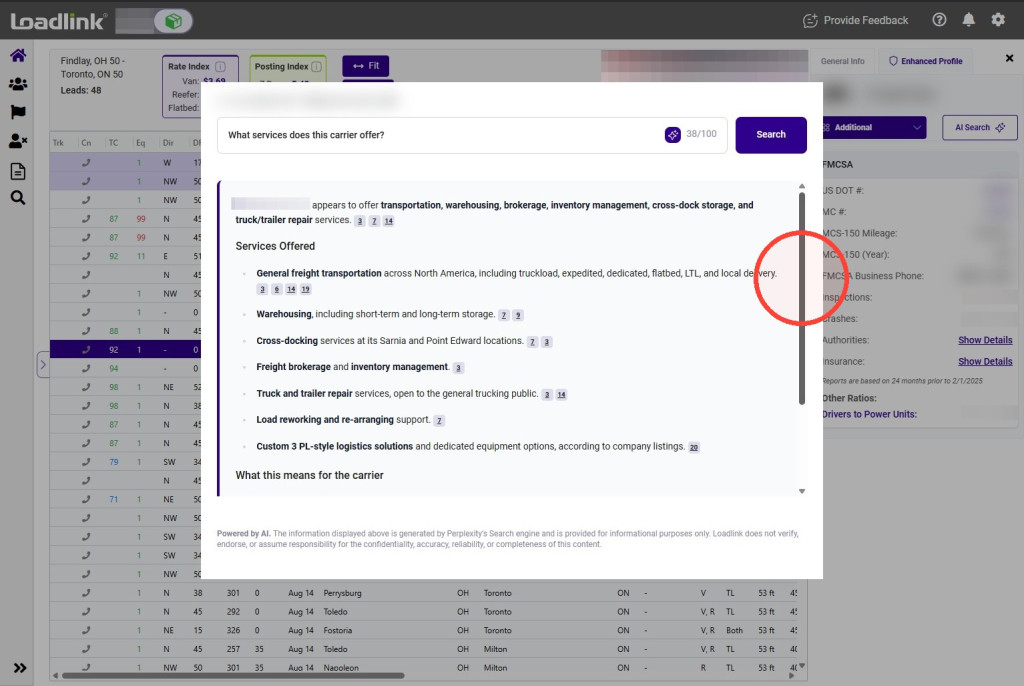
Use AI Search
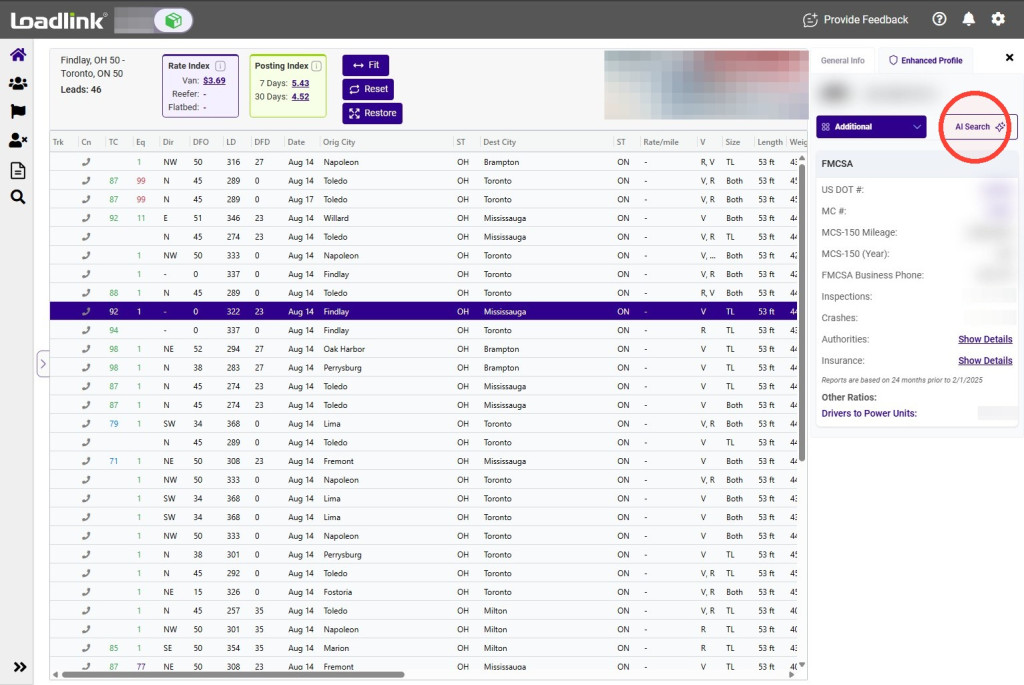
Select AI Search to ask a question about the carrier.
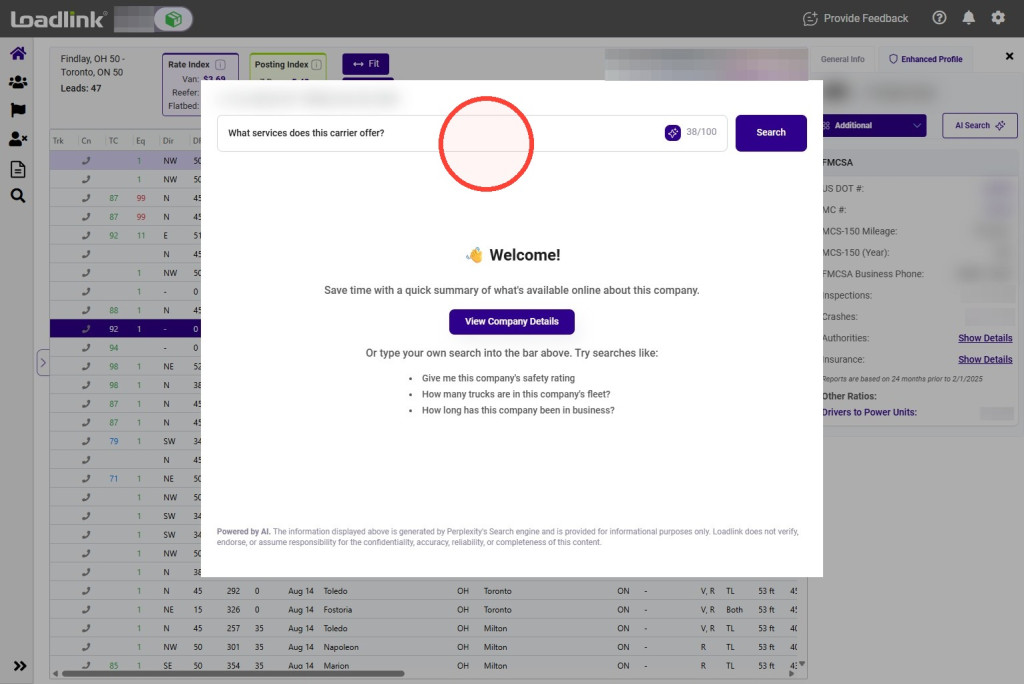
Enter your question in the search field, then select Search.
Review the generated response and its referenced sources.
Note: AI-generated responses should be reviewed alongside the member information and referenced sources.