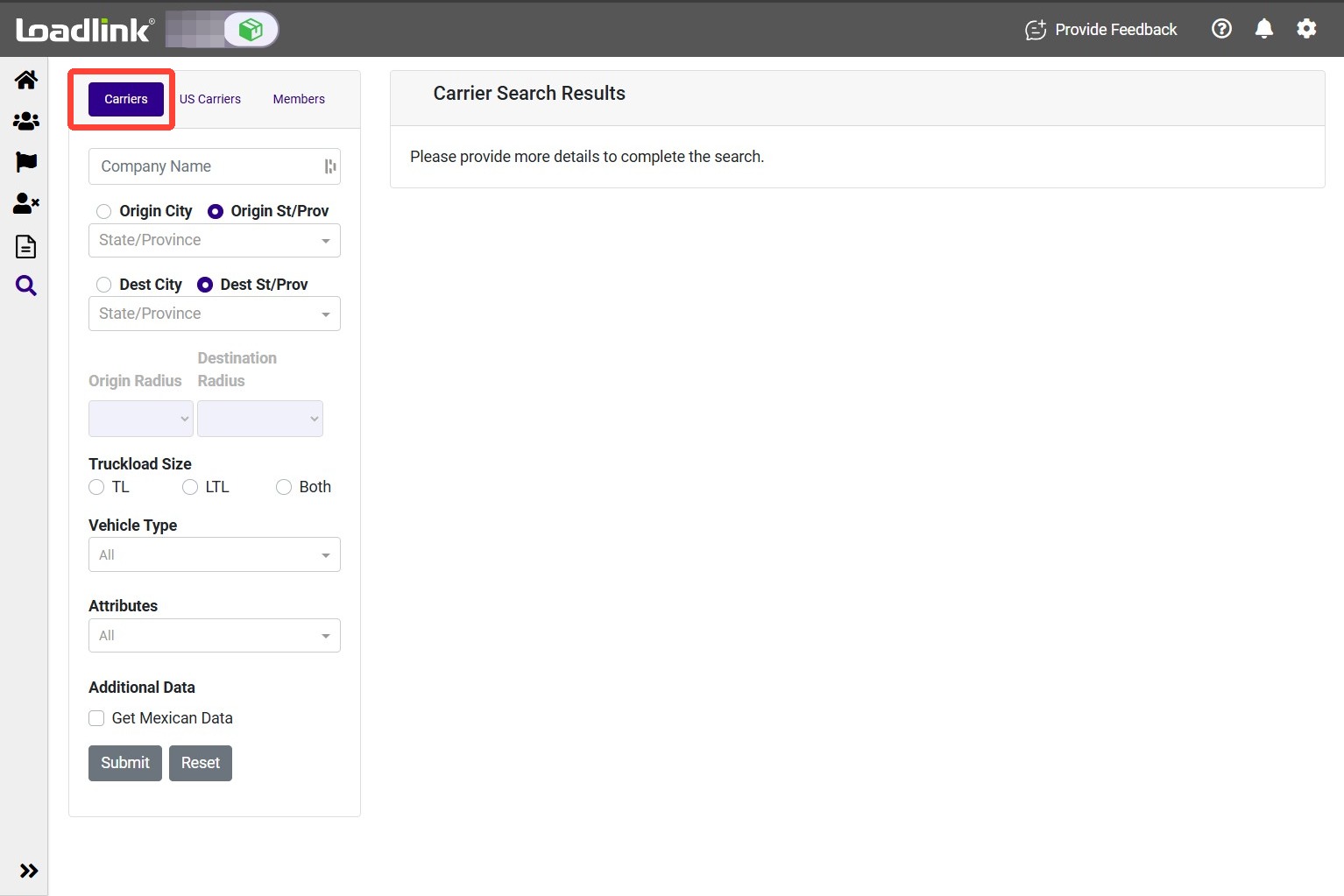
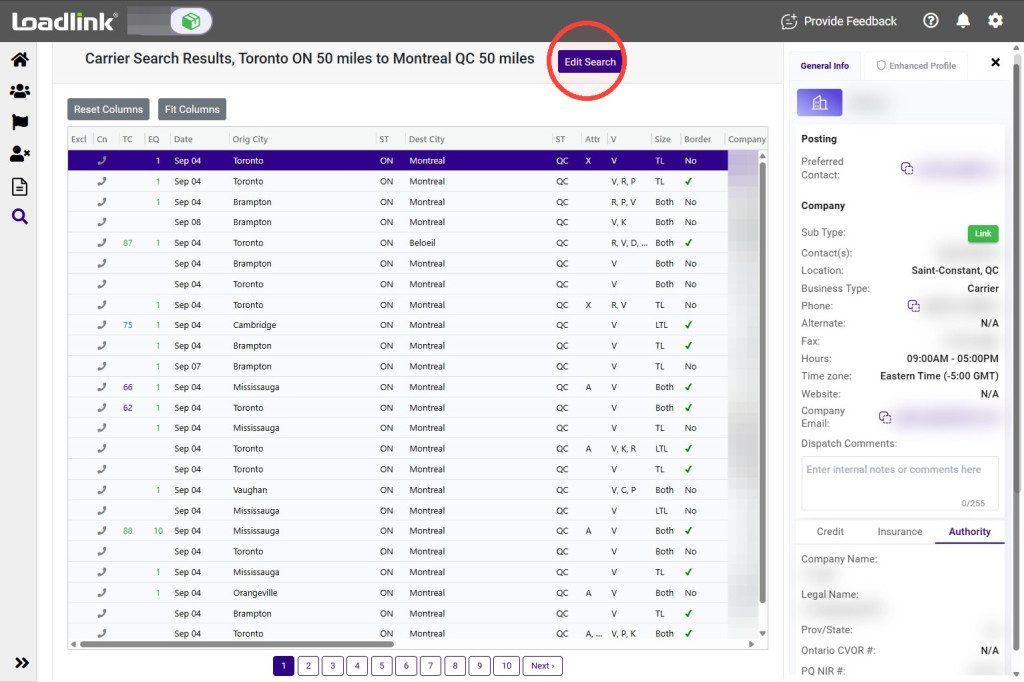
Search Loadlink for carriers that match your load requirements without creating a live posting. Search by company or lane, narrow the results by distance, load size and equipment, and review carrier details before making contact.
Search Criteria
Use Carrier Search to find carriers for your load without creating a live posting.
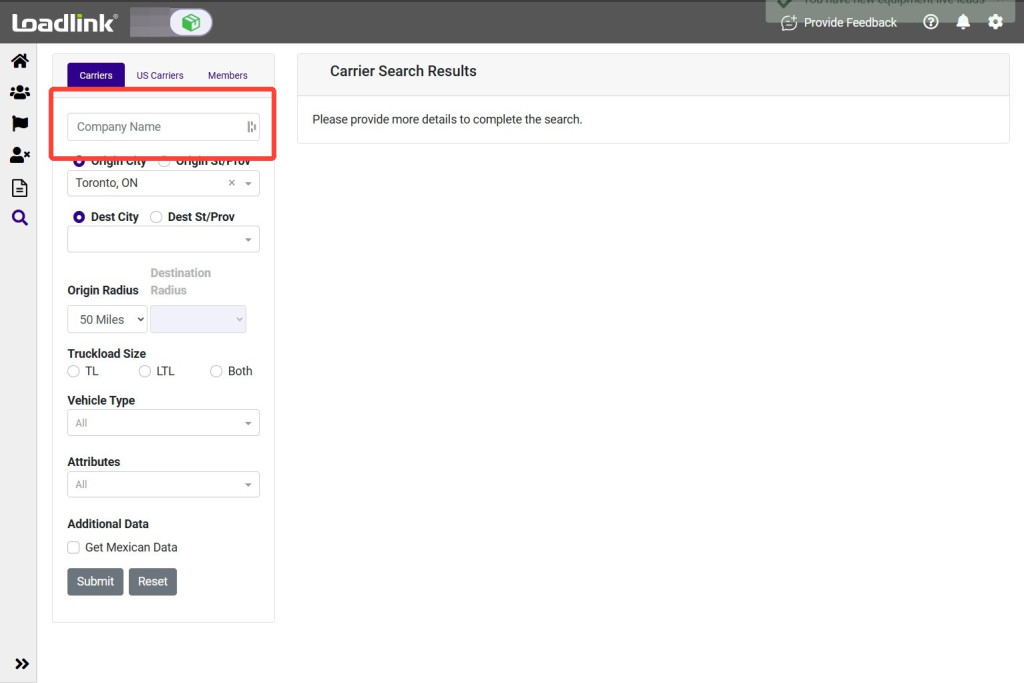
To find a specific carrier, select “Company Name” and enter the company’s name.
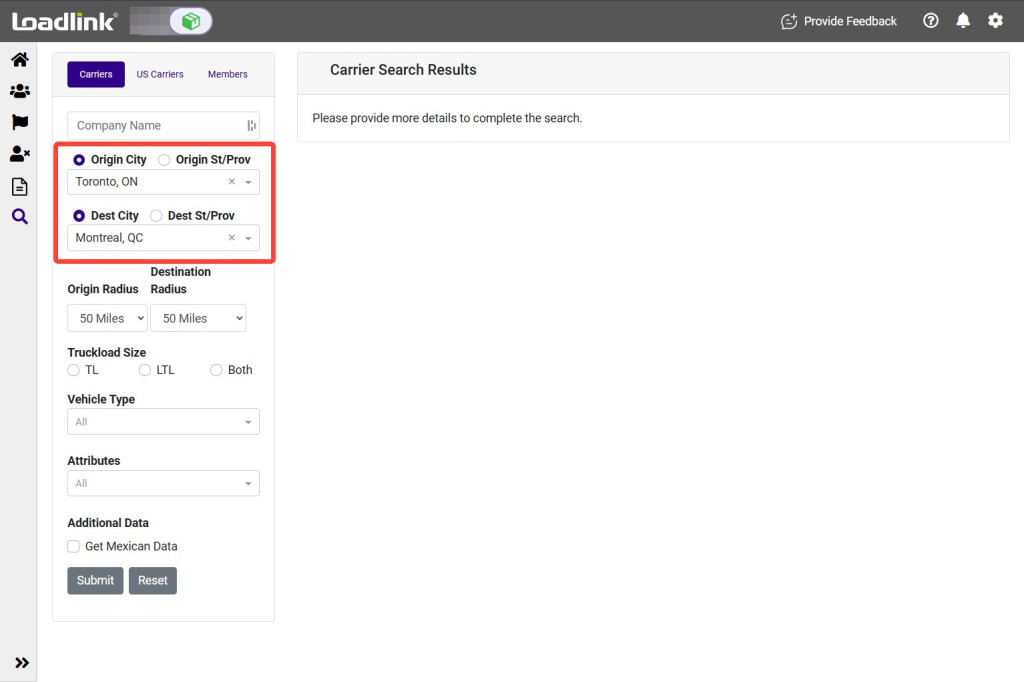
To search by lane, enter the load’s origin and destination. You can search using a city, state or province.
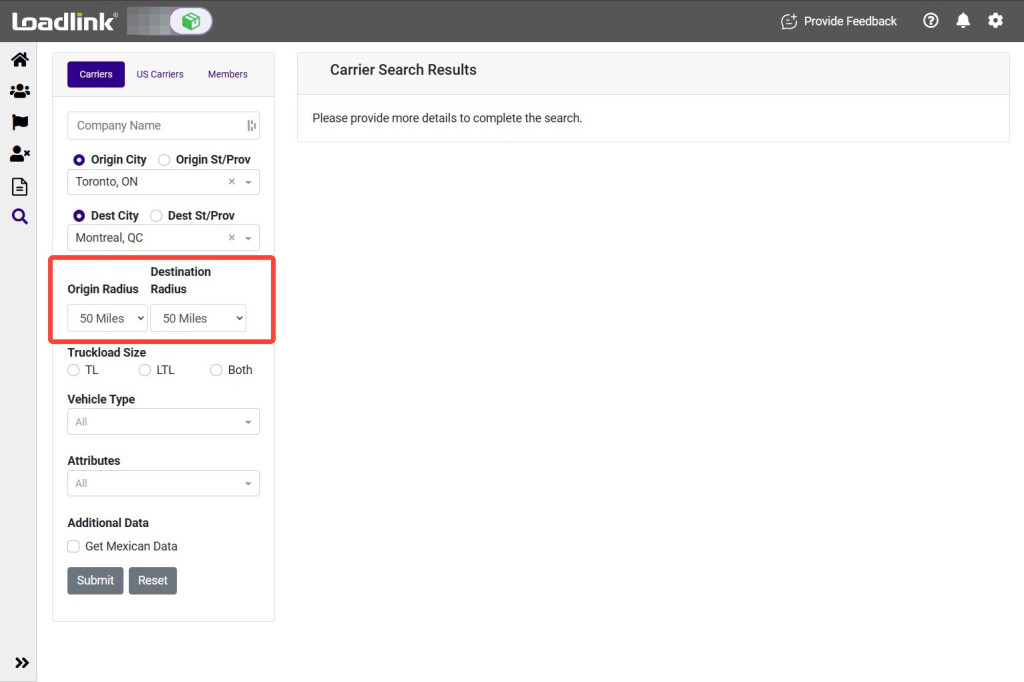
Adjust the search radius to include carriers farther from the load’s origin or destination. A wider radius may increase the number of results but may also increase deadhead distance.
Note
When searching by Province/State, radius adjustment options will not be available.
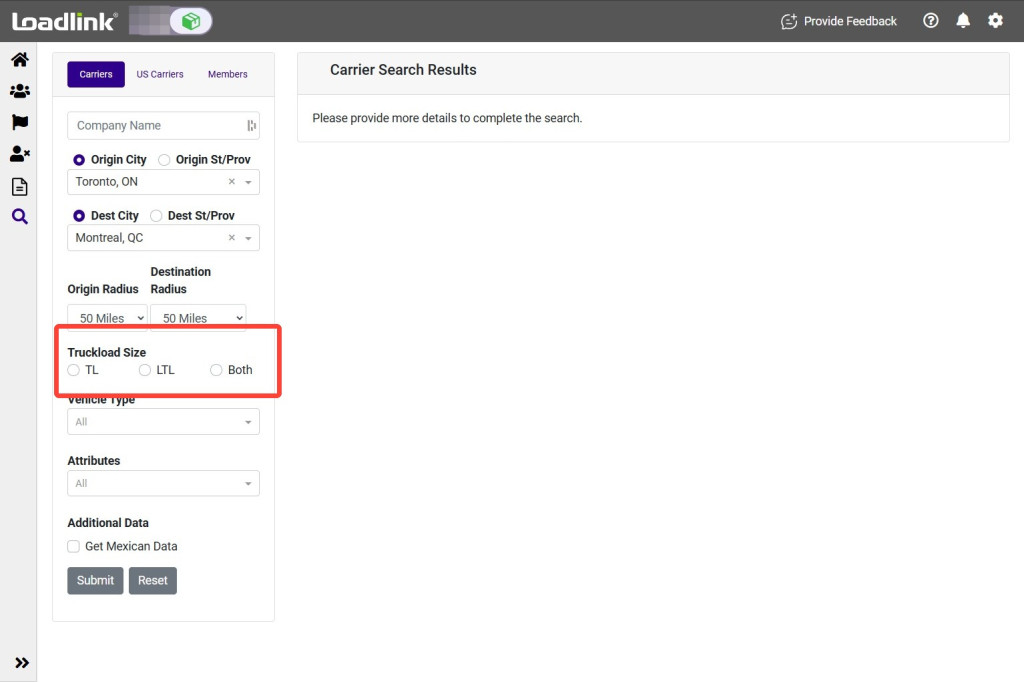
Choose the load size: “TL,” “LTL” or “Both.”
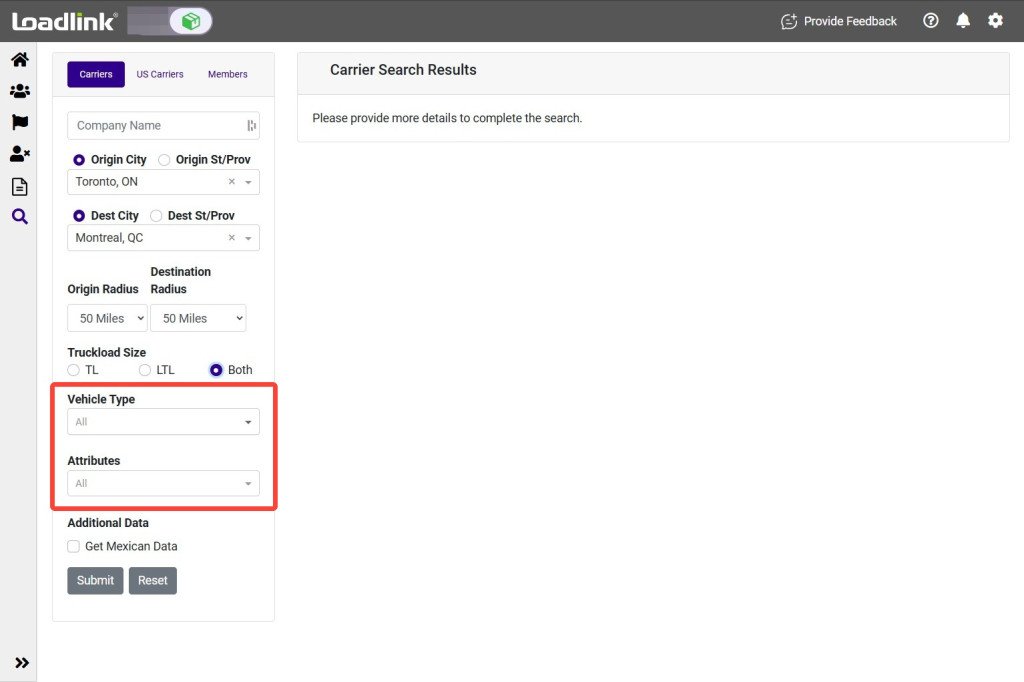
Select the required vehicle type and any equipment attributes
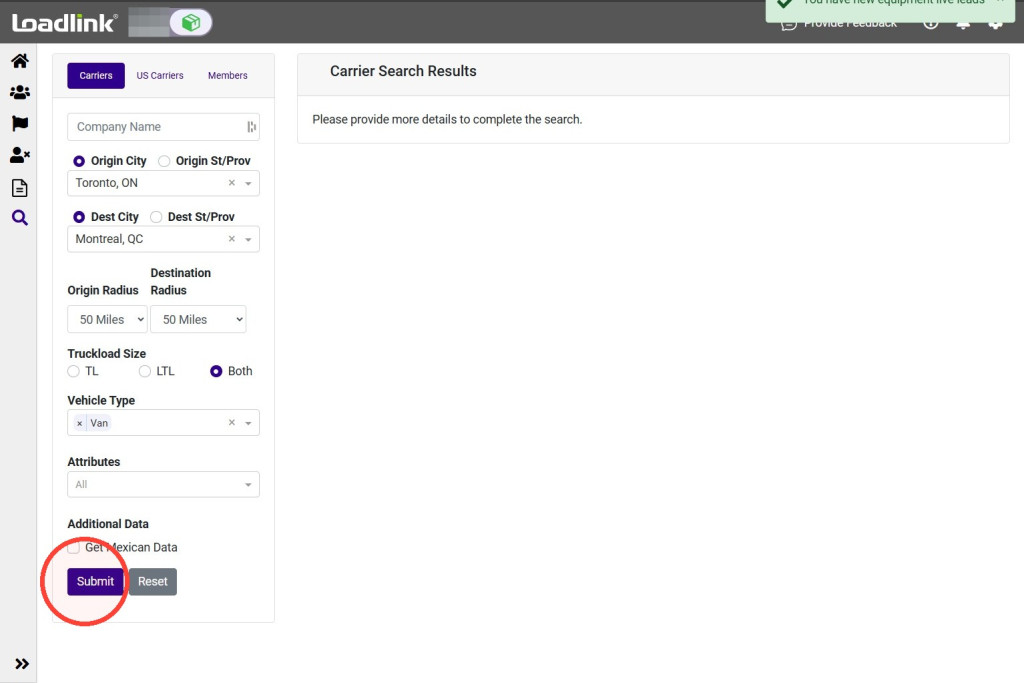
Select “Submit” to run the search.
Review Carrier Details
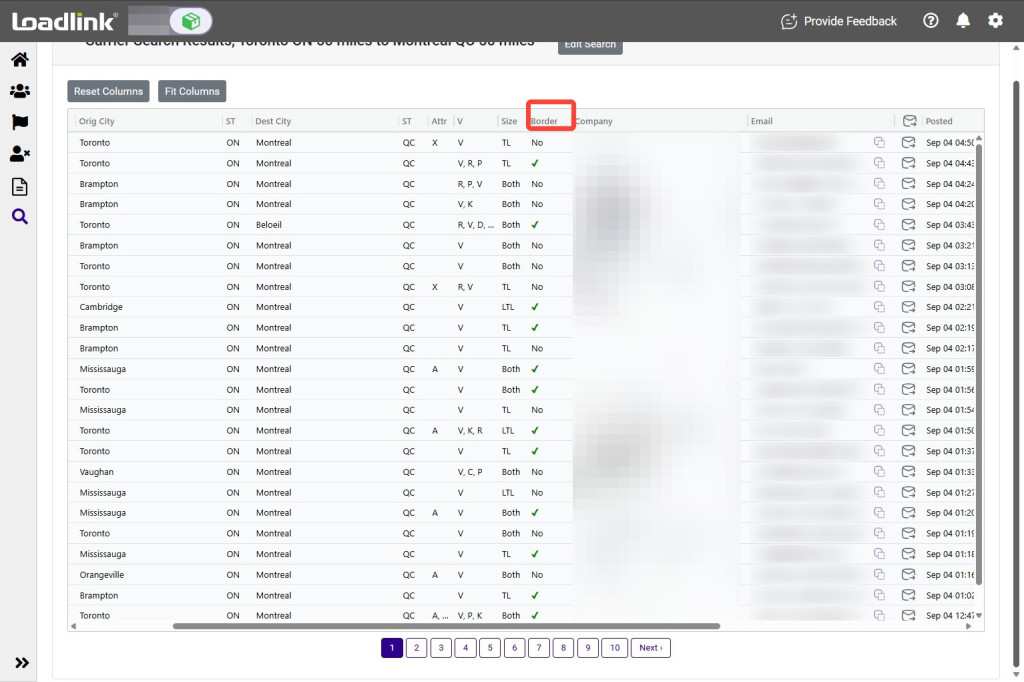
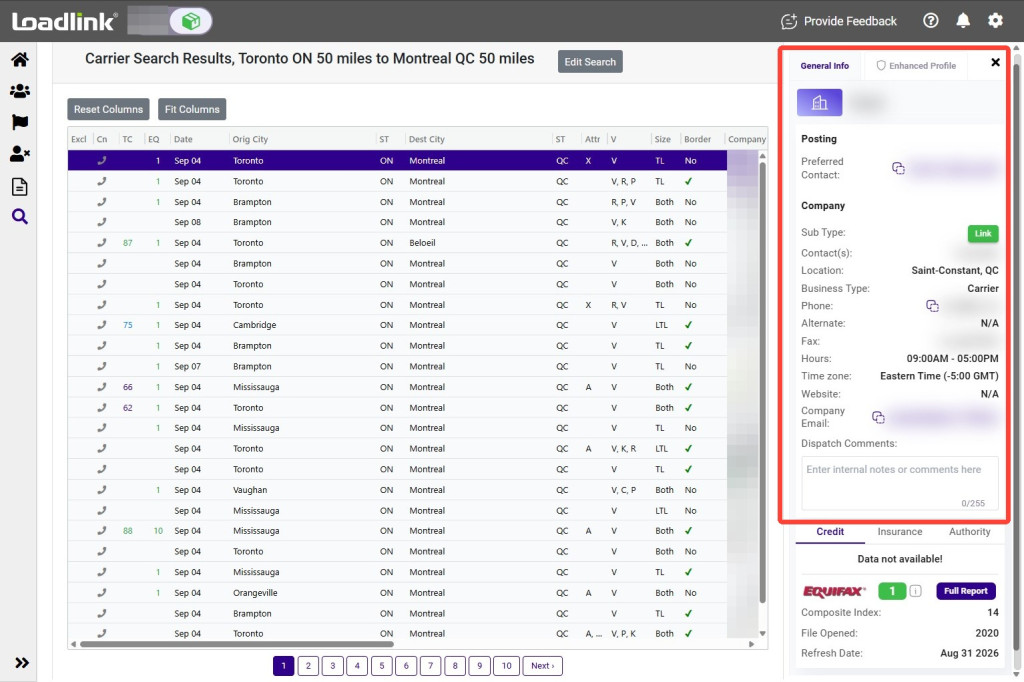
Review the matching carriers in the results grid. The grid displays information about the searched lane, equipment, attributes and contact preferences.
The Border column indicates whether the carrier meets Loadlink’s requirements for cross-border activity.
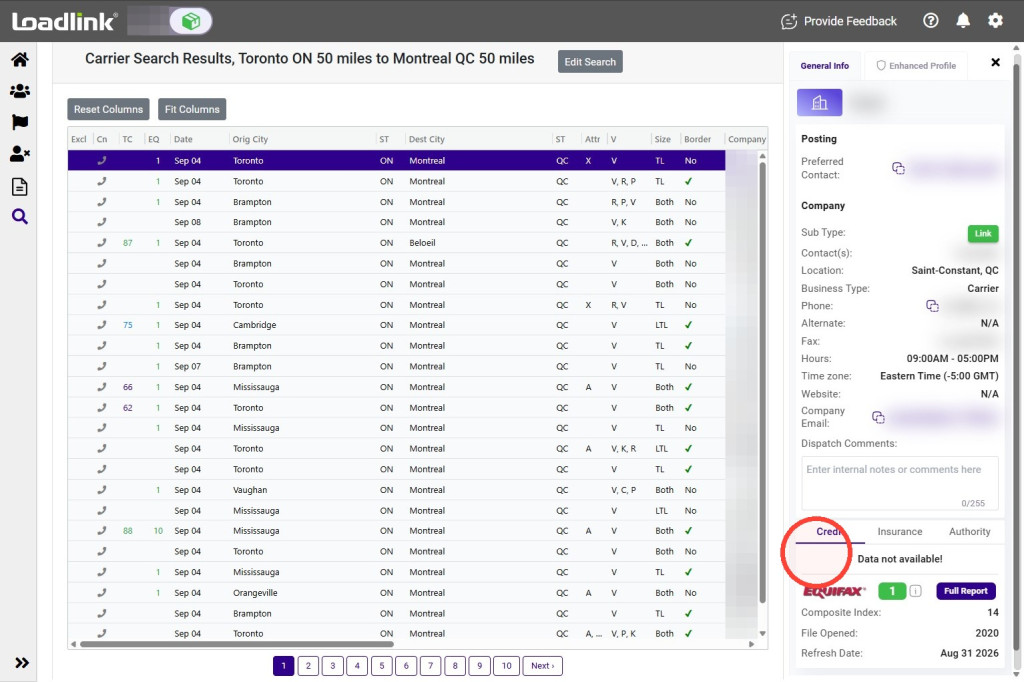
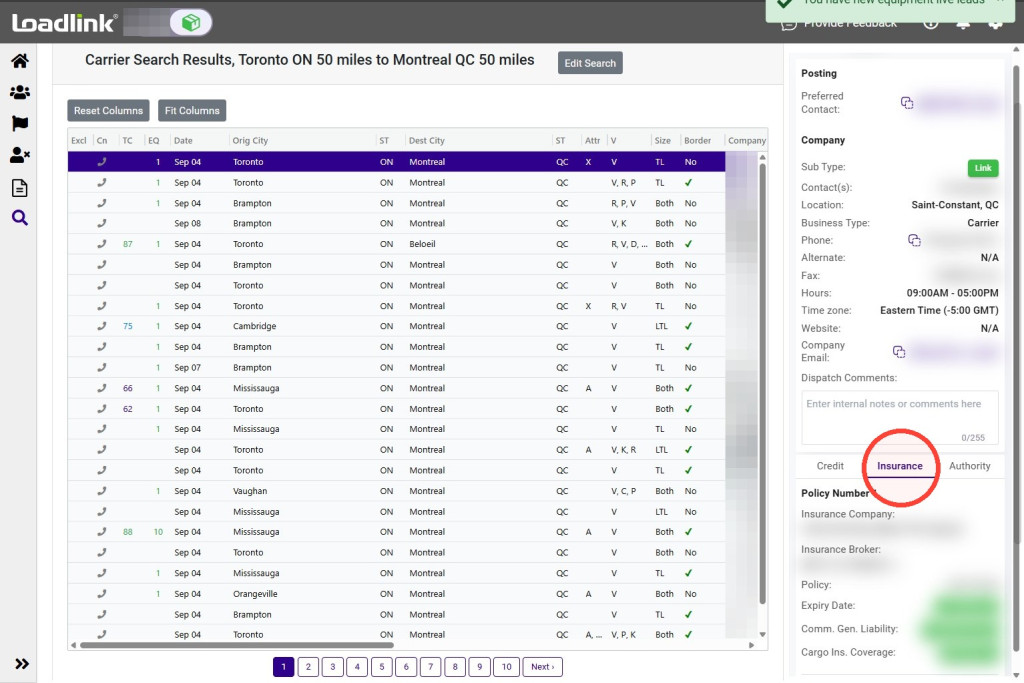
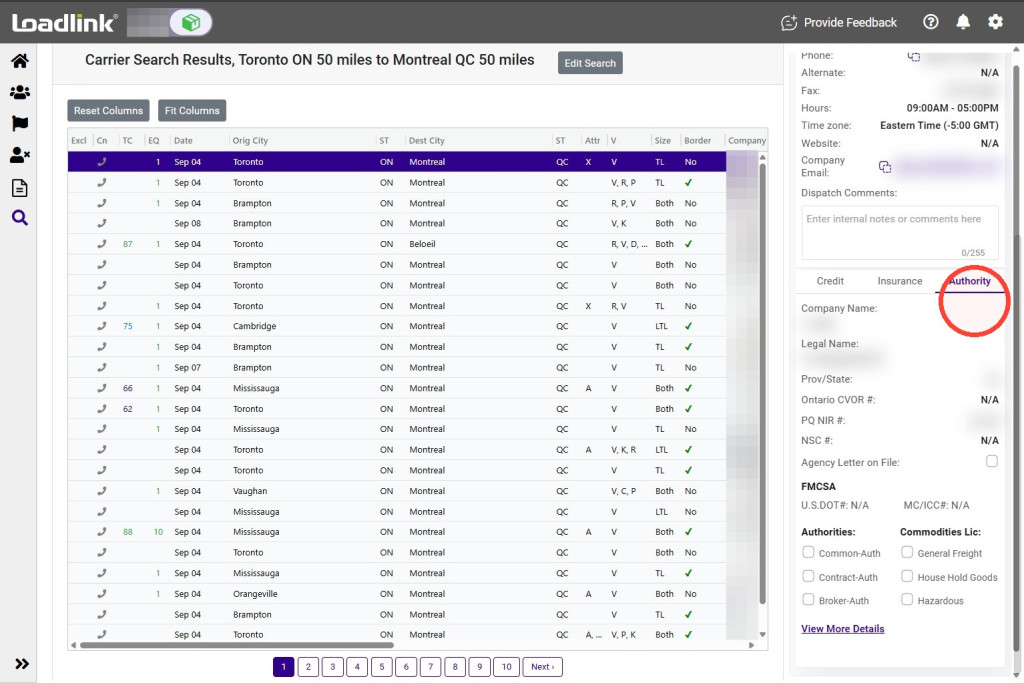
Select a carrier in the results to open their Loadlink profile and review their registered company information.