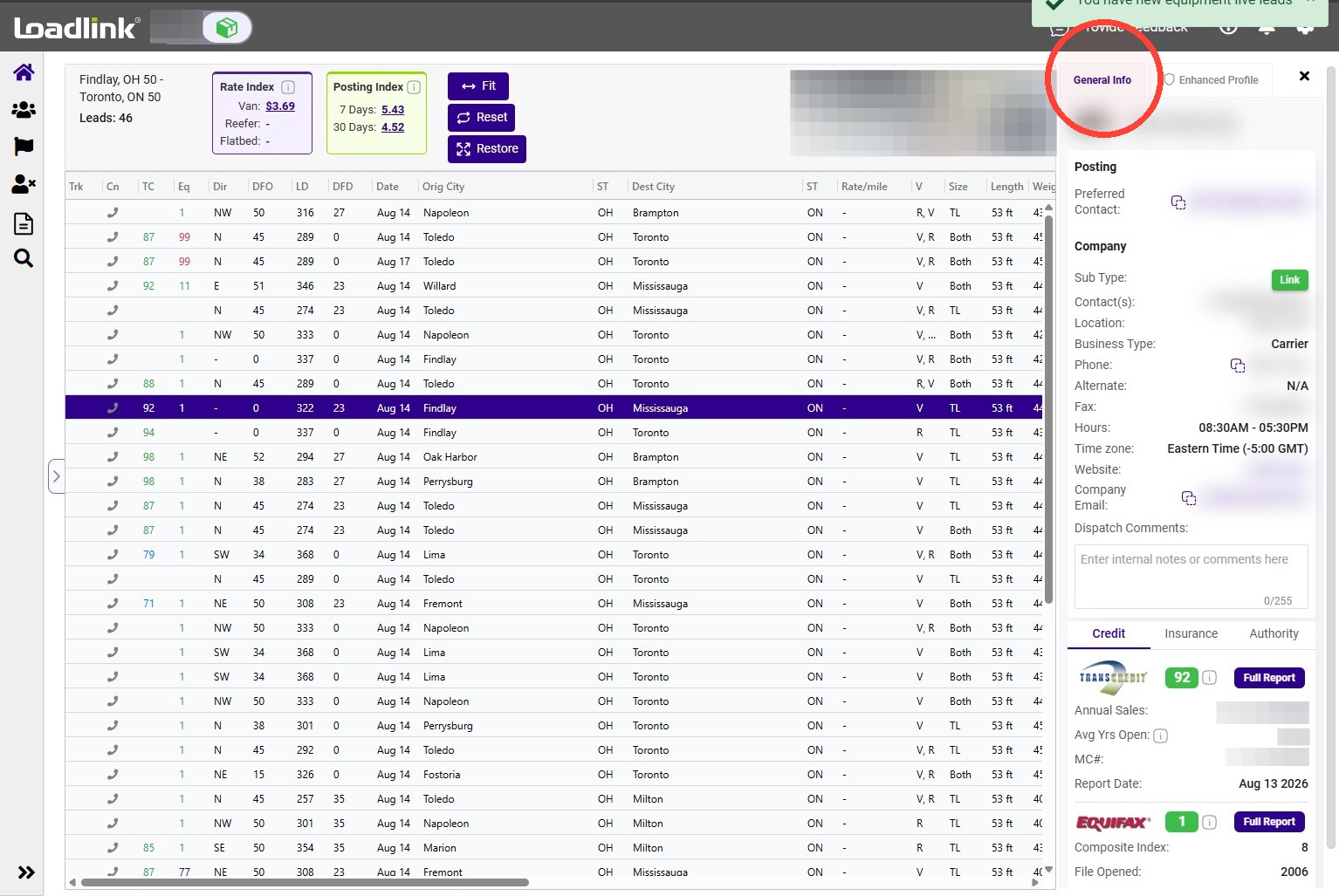
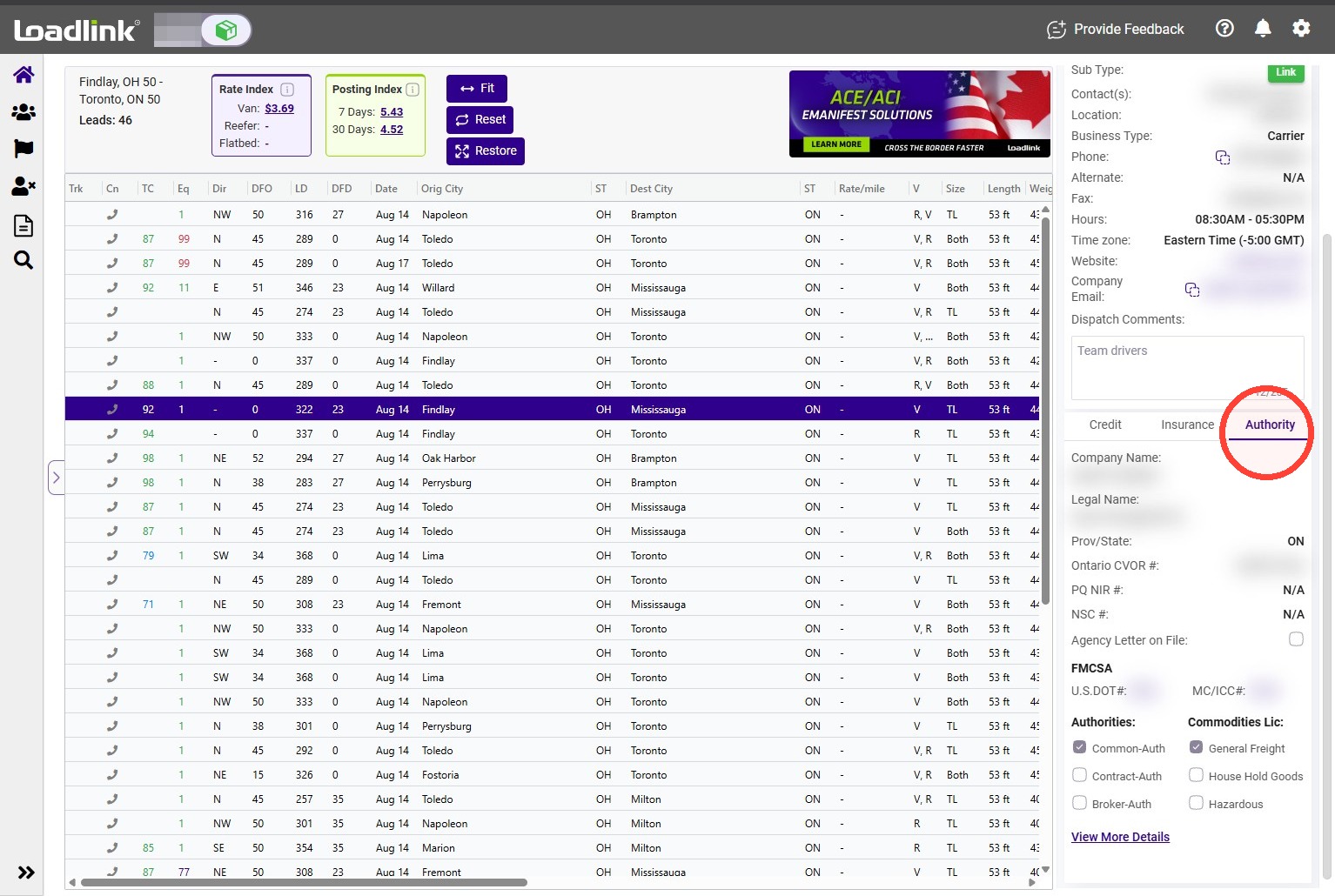
Use General Information to review a company’s contact details, save dispatch notes, and check available credit, insurance, and operating authority information.
Use General Information to review a company’s contact details: phone numbers, business type, company email, operating hours and time zone are all listed here.
The top of the panel shows the company name and a shortcut to the posting’s preferred contact email.
Sub-Type identifies the platform associated with the posting:
Link: Loadlink subscriber. DAT: Posting from DAT.
Available contact and credit information can also be reviewed for DAT postings.
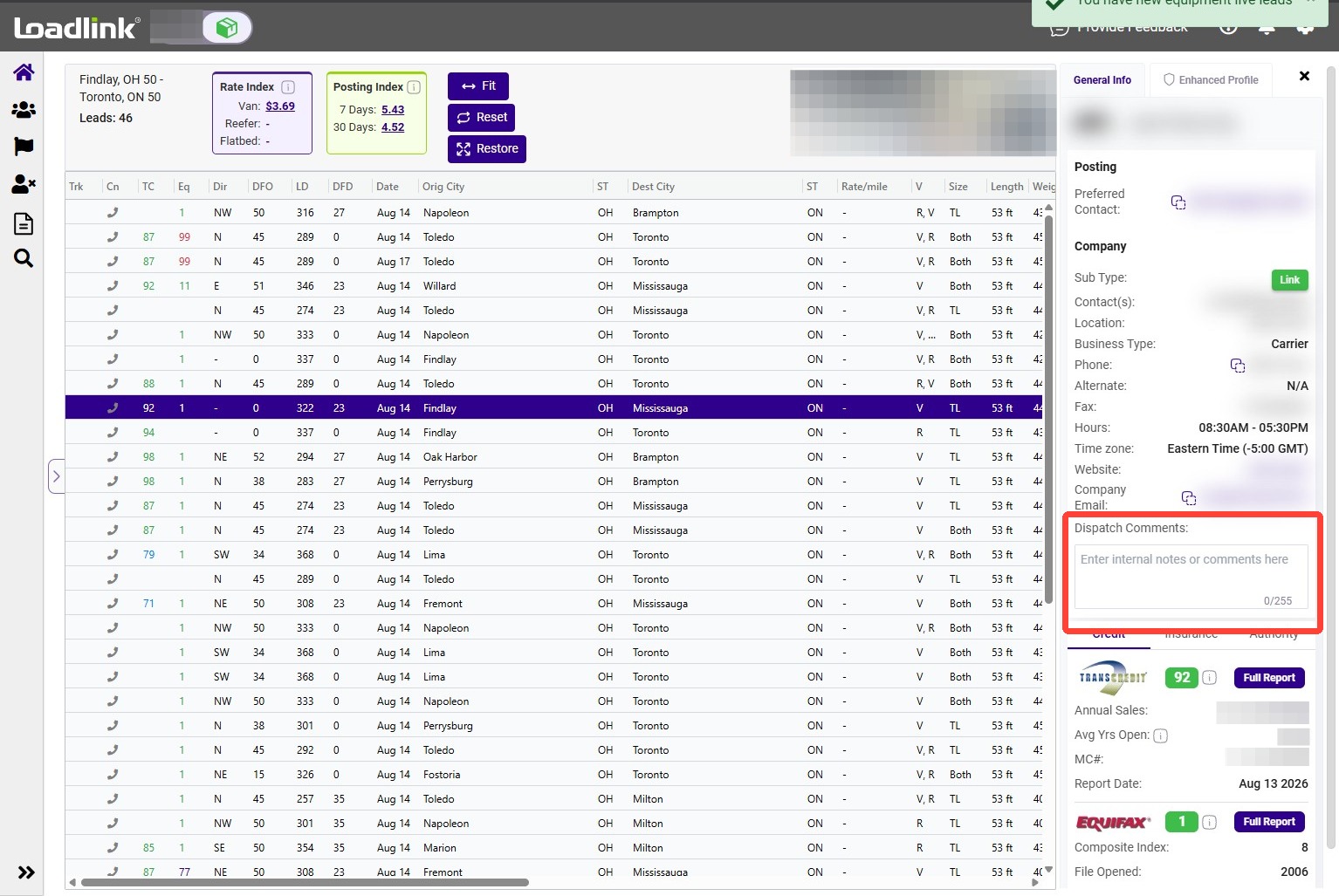
Save dispatch notes
Use Dispatch Comments to record company-specific notes, such as a contact name or phone extension, for reference when viewing future postings.
Note:
Dispatch Comments are private and are not shown to other members.
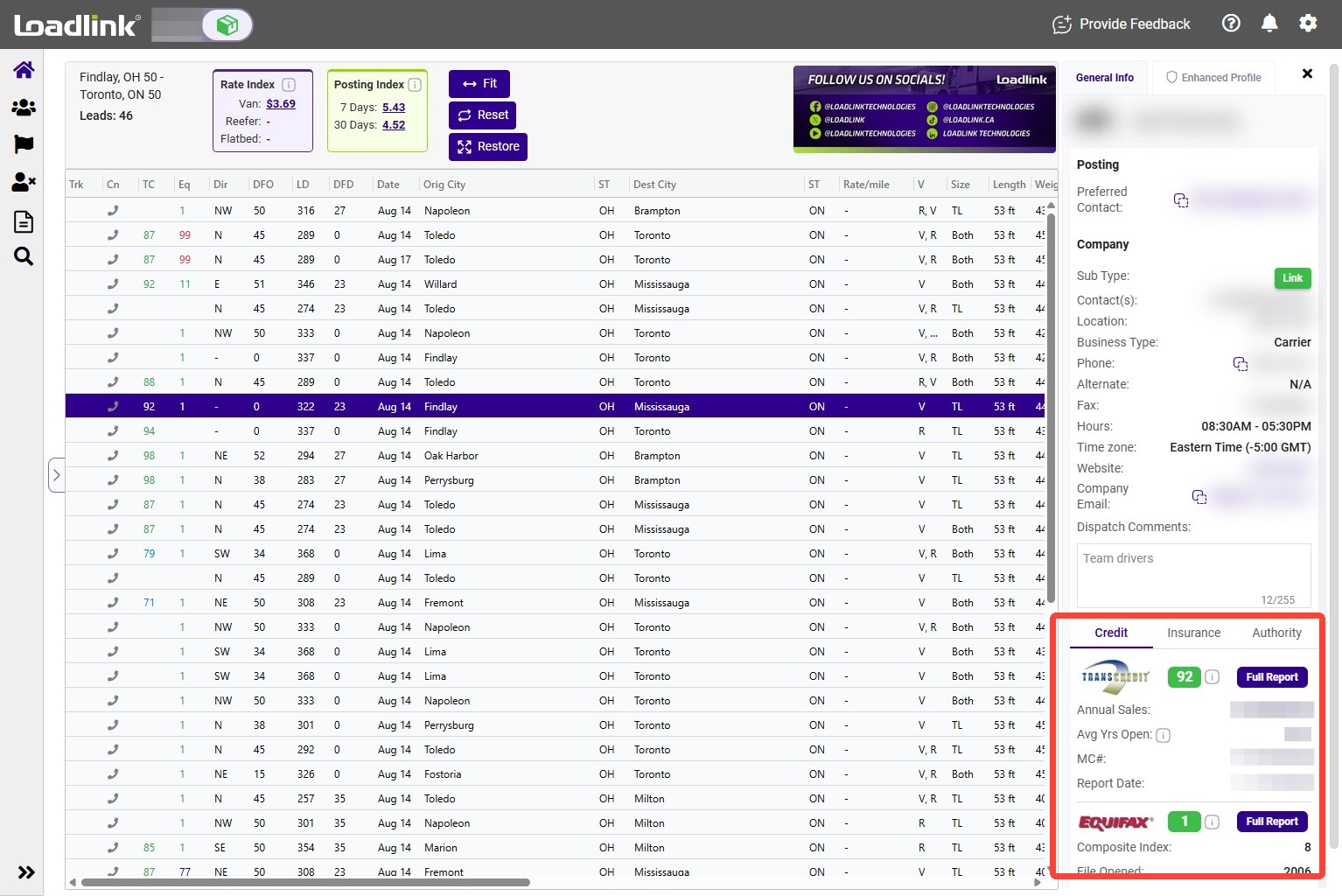
Credit reports from Transcredit and Equifax are available with eligible subscription packages.
The summary may include:
– Credit score. – Report tenure. – Average days to pay. – Last-updated date.
Click Full Report to view additional credit history, contact details, and score history.
Tip!
Hover over a score in the quick view to see the colour legend used for scores in the summary and grid.
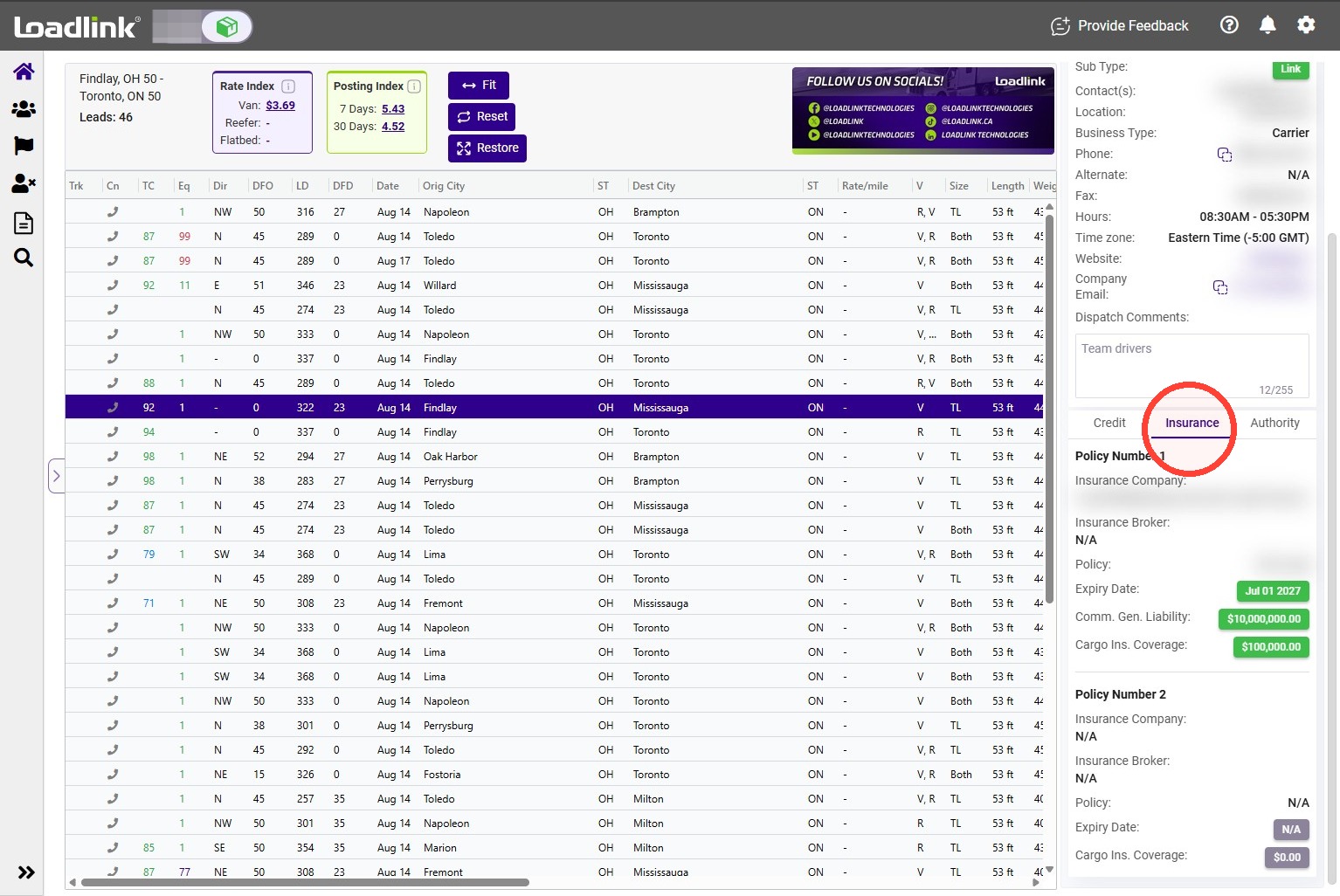
Review insurance details
The insurance section lists available coverage amounts and applicable dates.
Compare these details with the insurance documents provided by the carrier. Follow up on any differences before proceeding.
The Authority section lists the company’s registered operating authorities in Canada and, where applicable, the United States.