GETTING STARTED
First time login to Loadlink
Follow this guide to securely reset your Loadlink account password if you have forgotten it. Learn the step-by-step process for requesting a reset link via email and establishing new login credentials.
Creating your Password
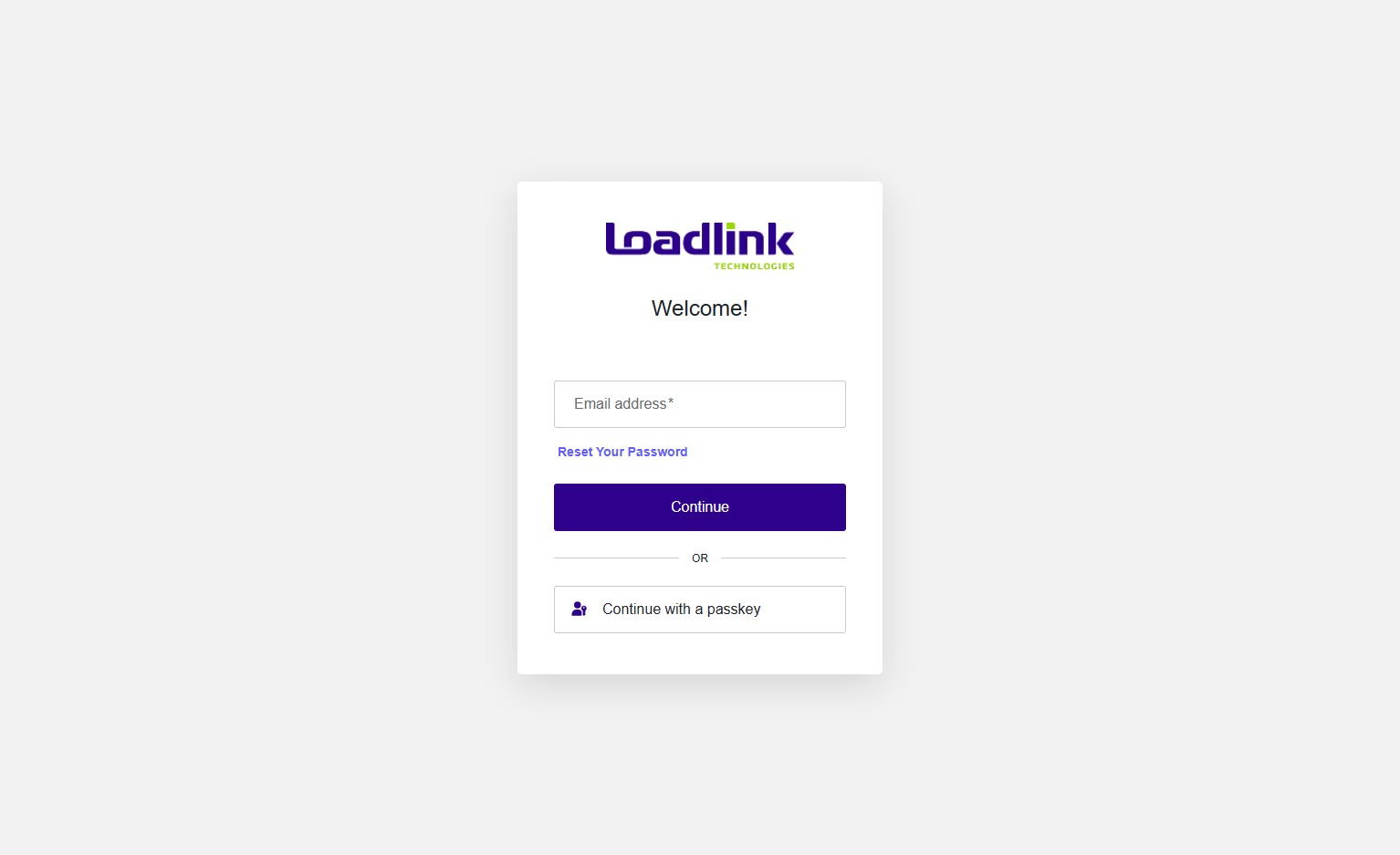
Navigate to https://thelinkloadlinkweb4.loadlink.ca/
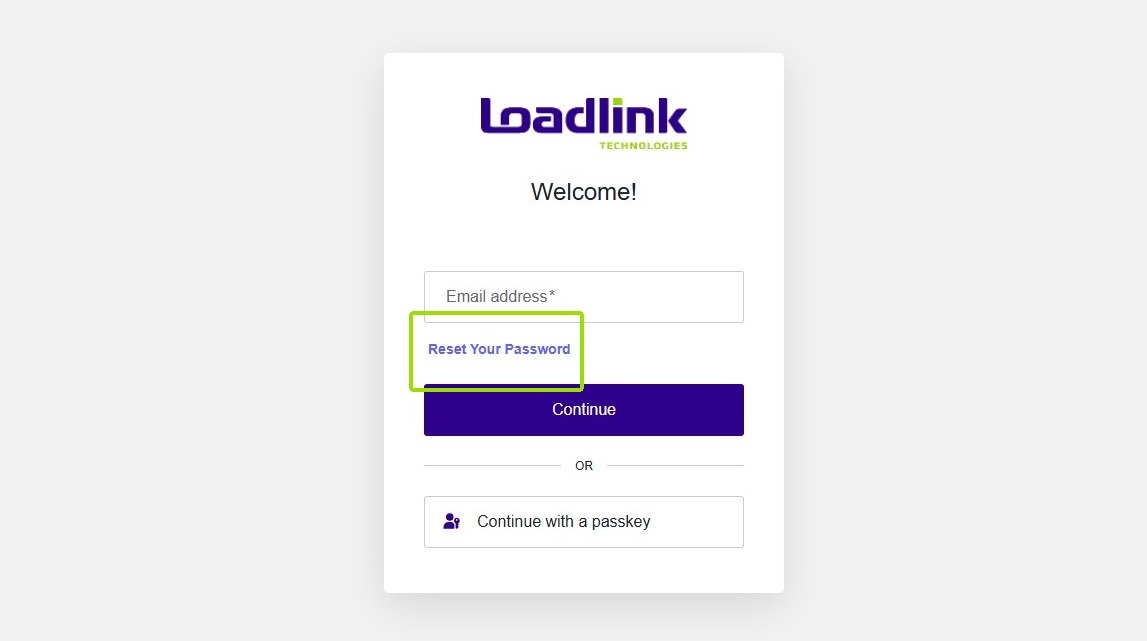
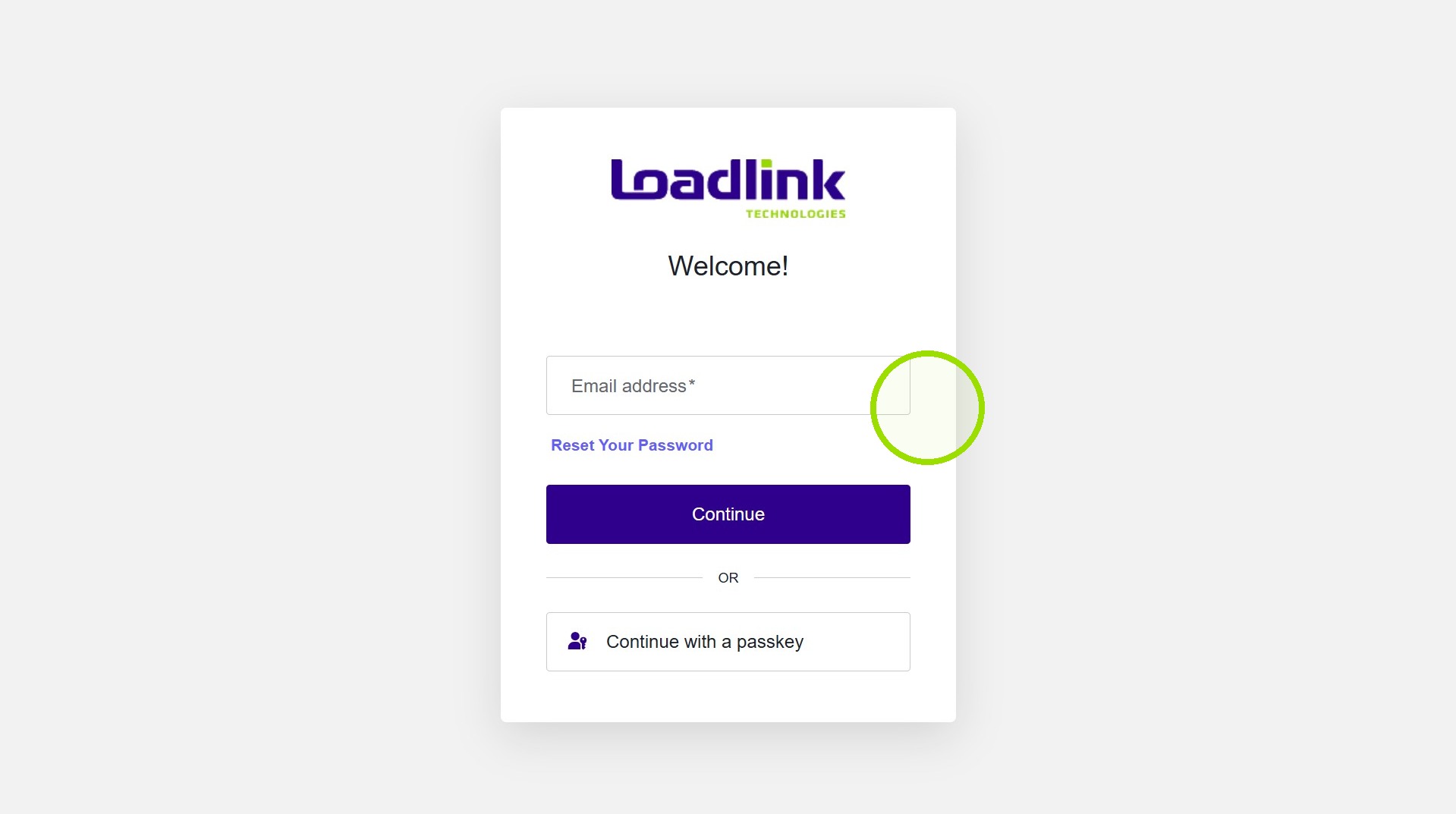
To create your password, click “Reset Your Password”.
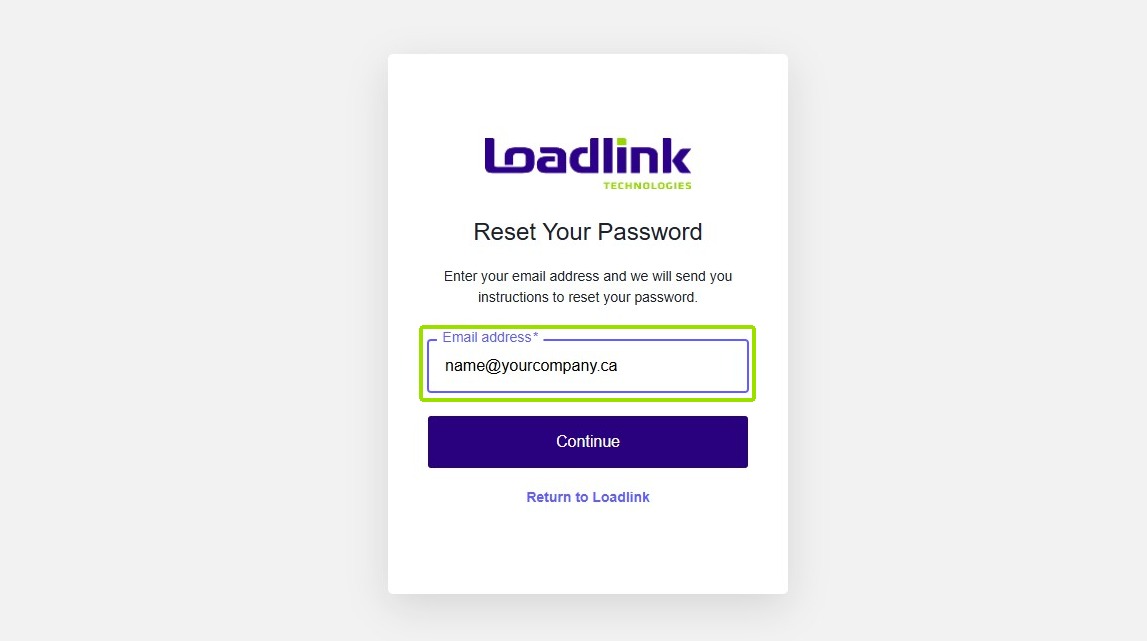
Enter your Loadlink Login email- this will be listed in your Welcome Package.
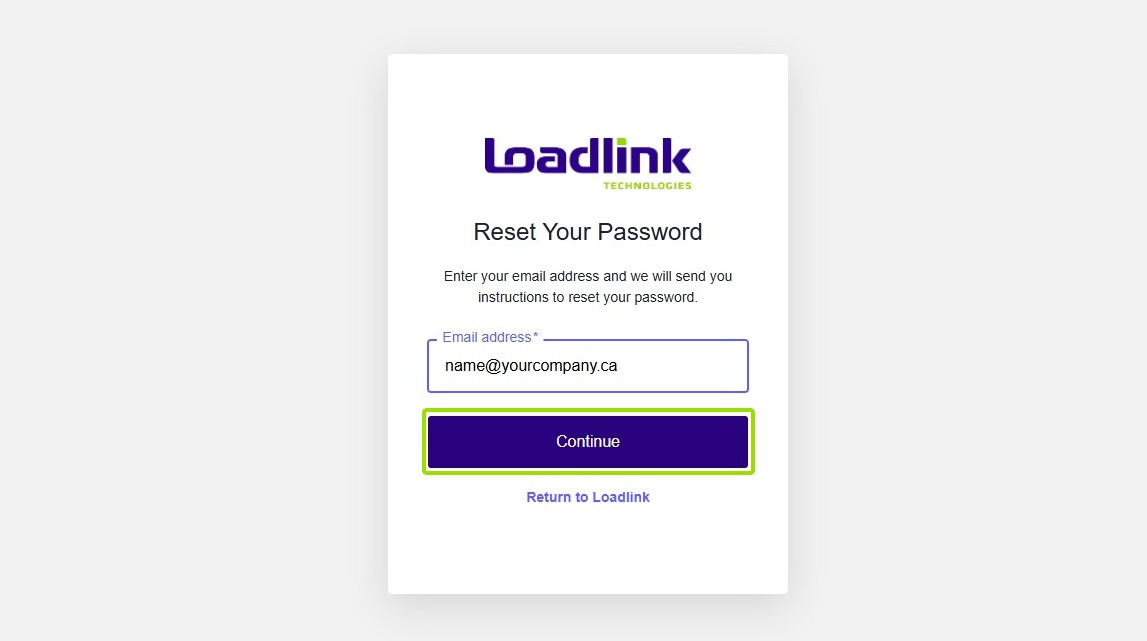
Then click “Continue”
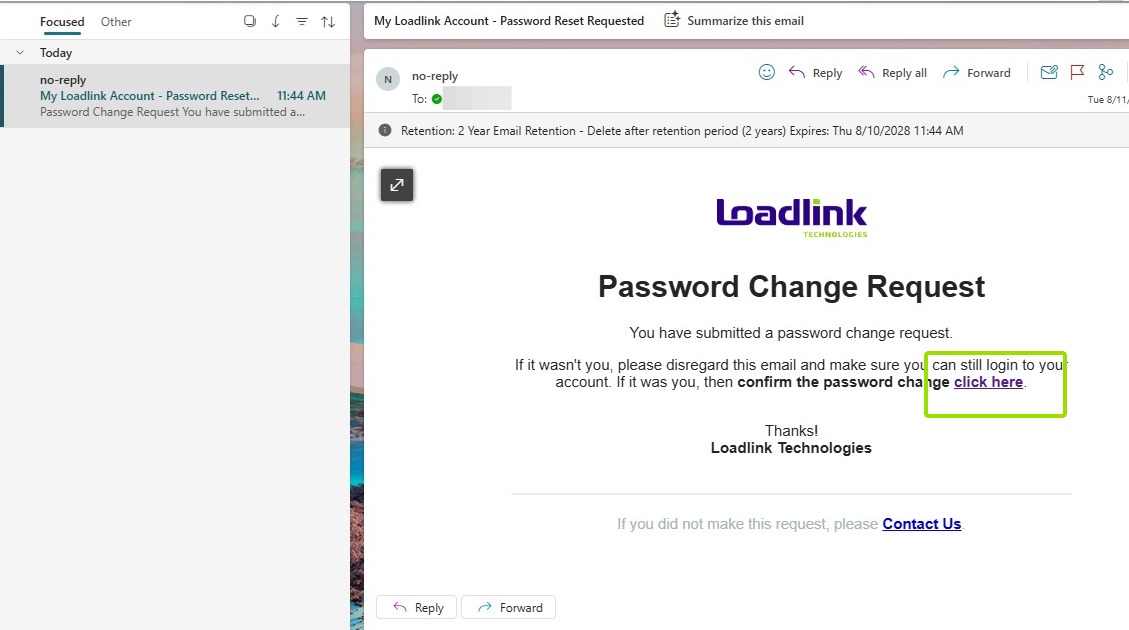
You will receive an email from Loadlink with a link under “Click here” to create your password.
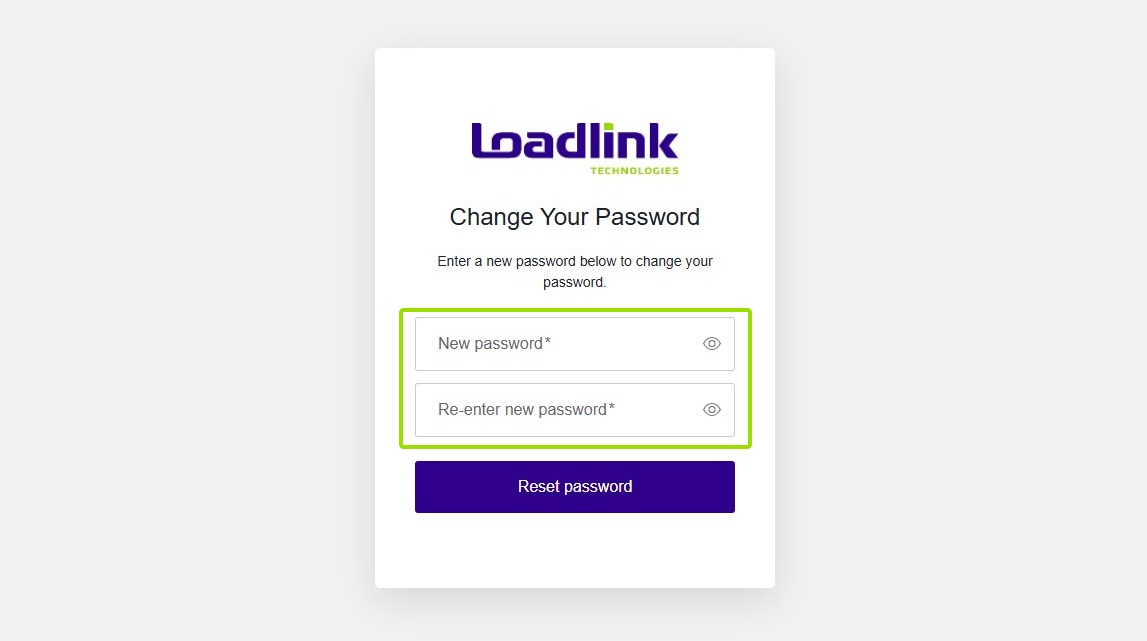
Next, you will be prompted to create your password.
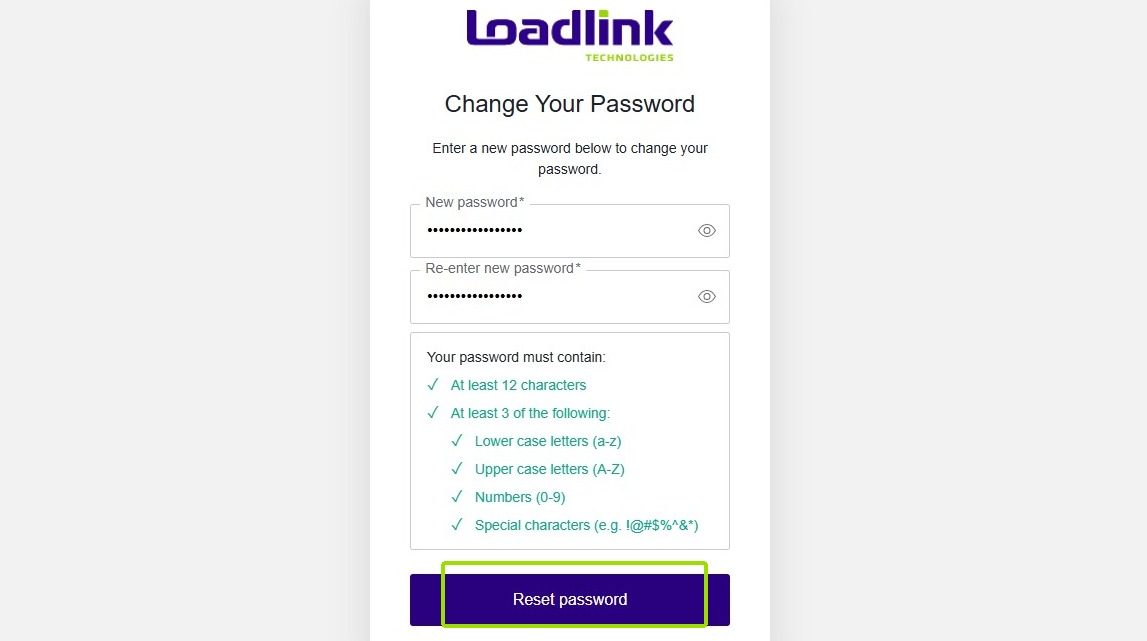
In order to stay secure, make sure passwords have a combination of Upper case letters, lower case letters, numbers and special characters.
When done, click “Reset password”
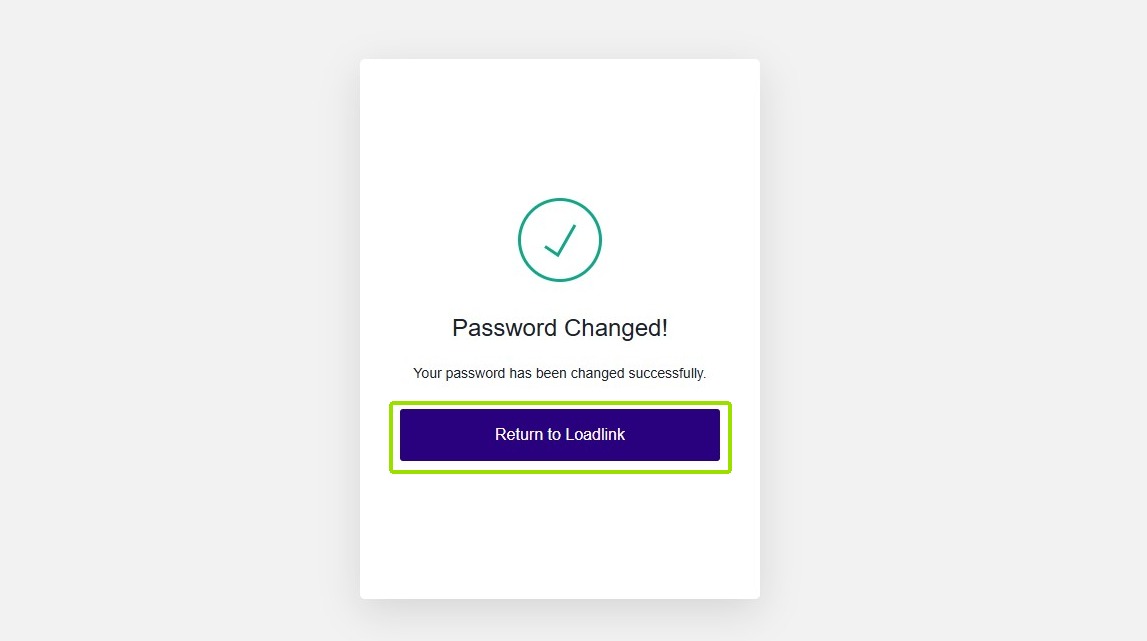
Once successfully created, click “Return to Loadlink”
Sign In
Start by entering your login email into the “Email address” field and select “Continue”.
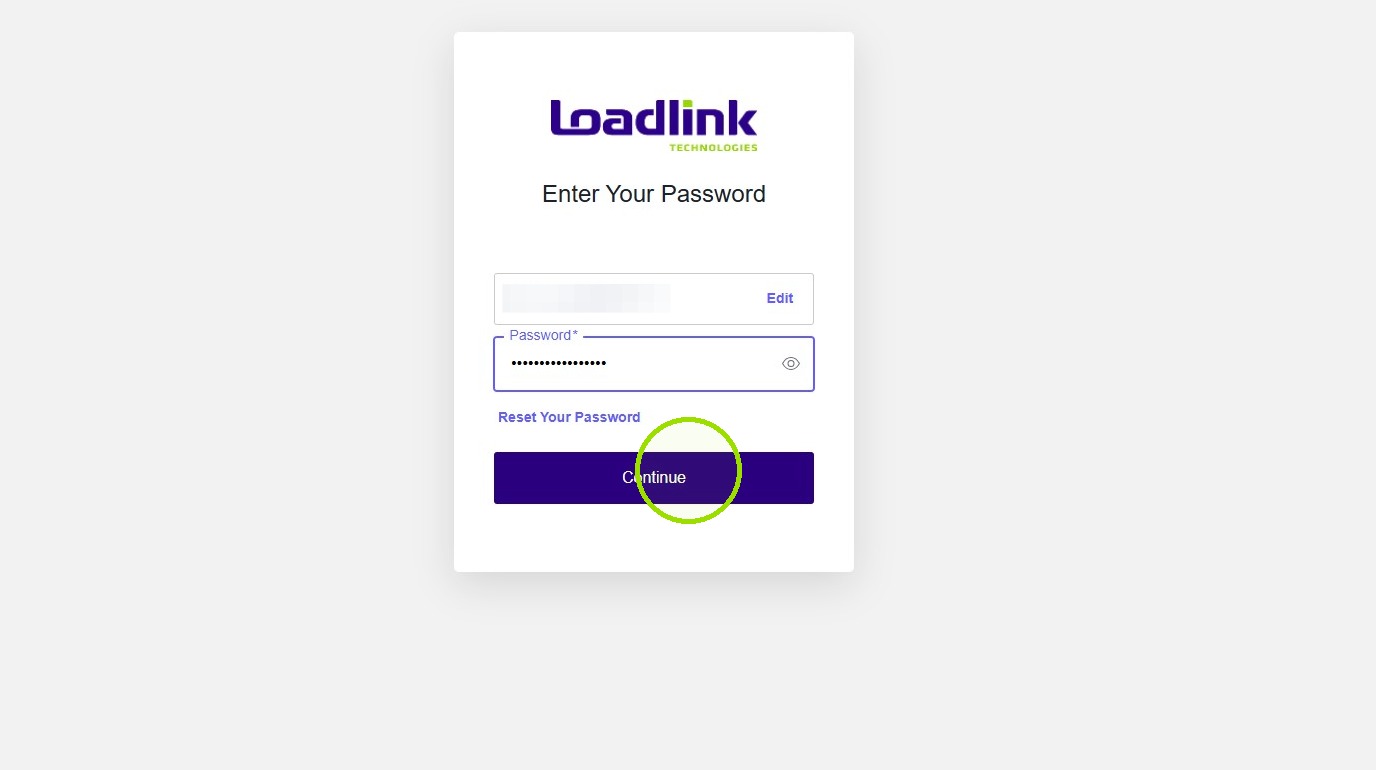
Next, enter your new password and select “Continue” once entered.
Next up, MFA →