Review Company Information in Loadlink – Carrier Guide
Use General Information to find a load poster’s contact details, save dispatch notes, and review available credit and payment history.
Open company information
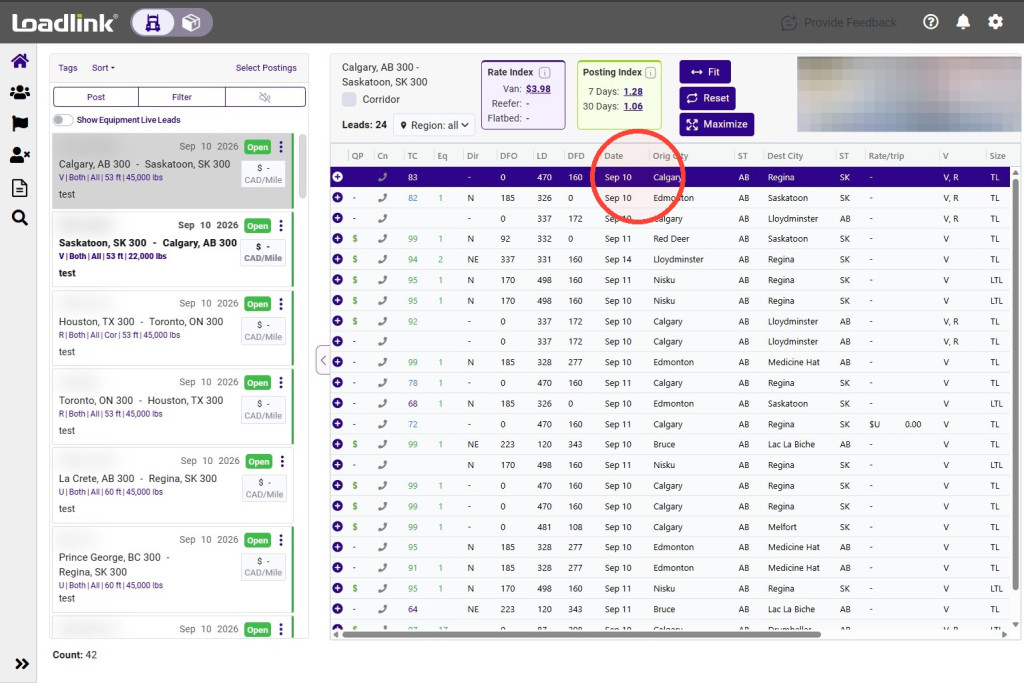
Click a lead on the home screen or in Search to view its General Information.
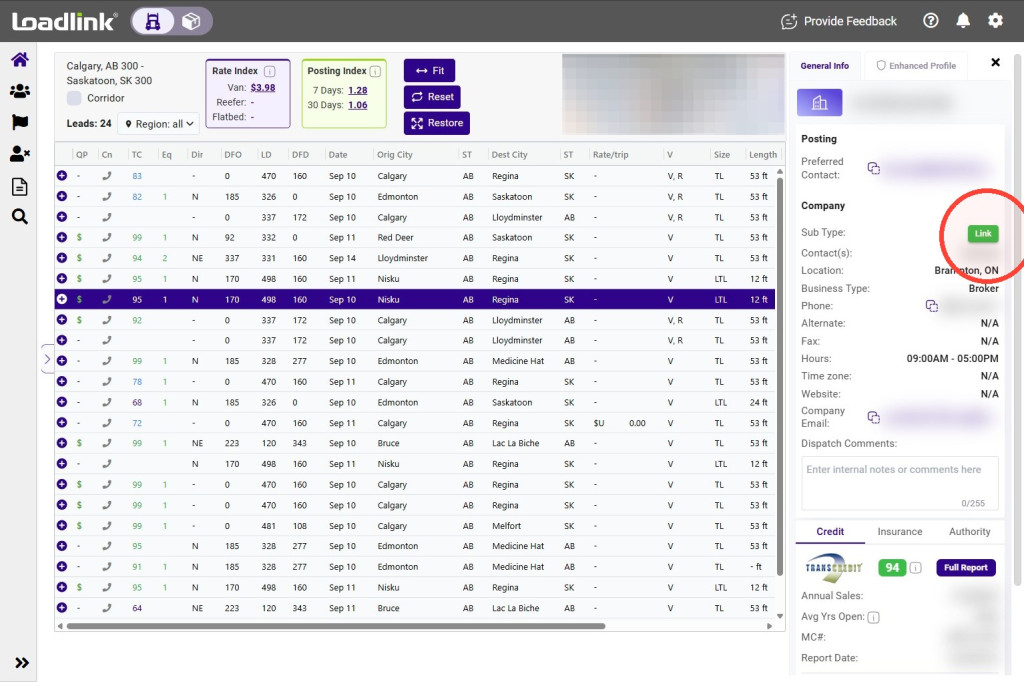
Check Posting details for the preferred contact for the load. This may differ from the company’s main contact information.
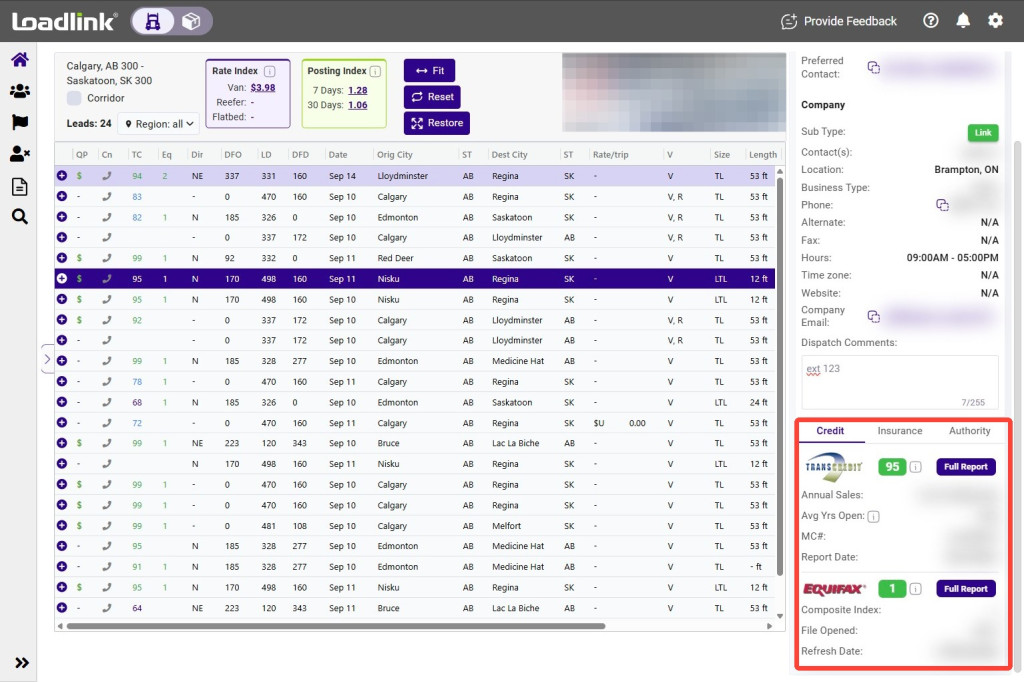
The company information includes available contact names, phone and fax numbers, location, business type, office hours, time zone, website, and registered email.
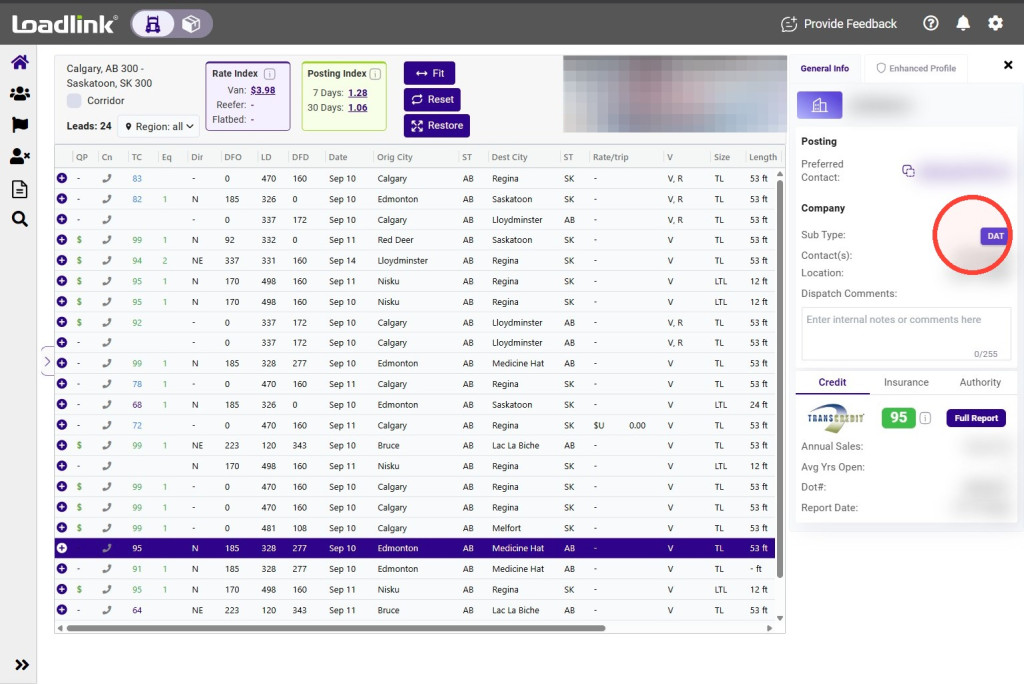
Sub-Type identifies the platform associated with the posting:
– Link: Loadlink subscriber. – DAT: Posting from DAT.
Save dispatch notes
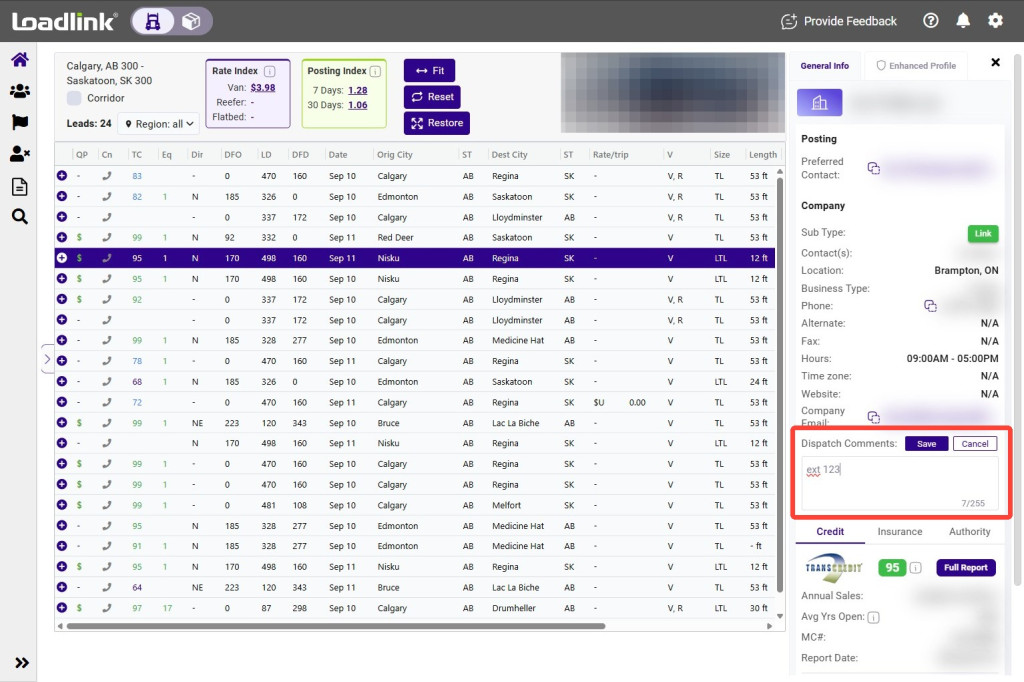
Use Dispatch Comments to save company-specific notes, such as a broker contact name or phone extension, for reference when reviewing future loads.
Note:
Dispatch Comments are private and are not shown to other members.
Review the credit summary
Credit reports from Transcredit and Equifax are available with eligible subscription packages.
The summary may include:
– Credit score. – Report tenure. – Average days to pay. – Last-updated date.
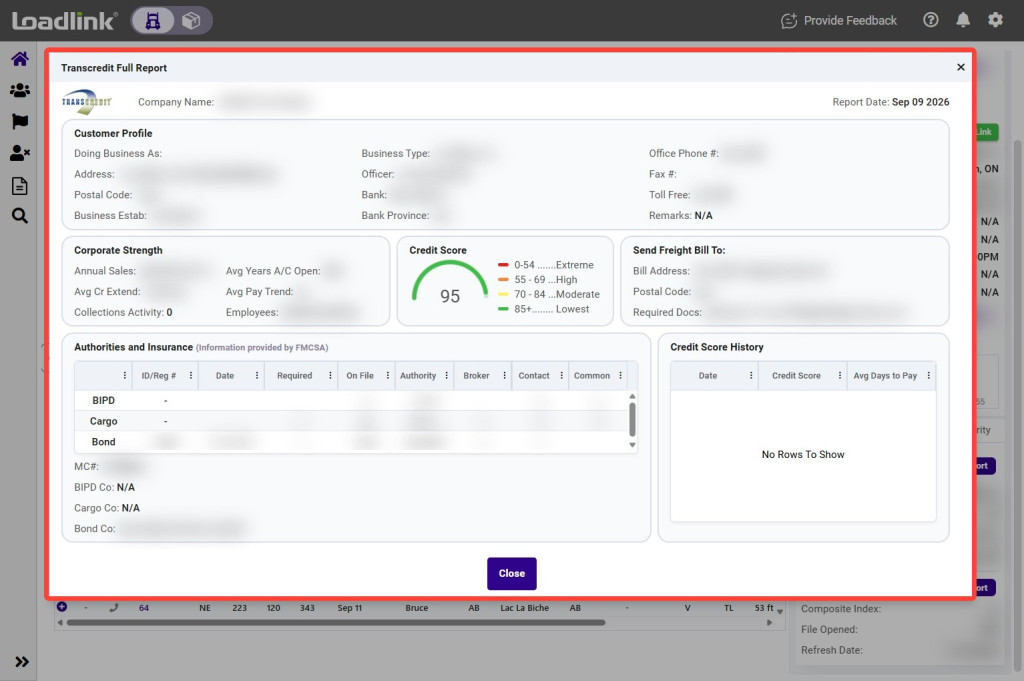
Use the score’s colour legend to help interpret the displayed rating.
Open the full credit report
Click Full Report to review the company’s payment history, credit account details, and score history.
You can also cross-check the company’s contact and location details.
Additional company details
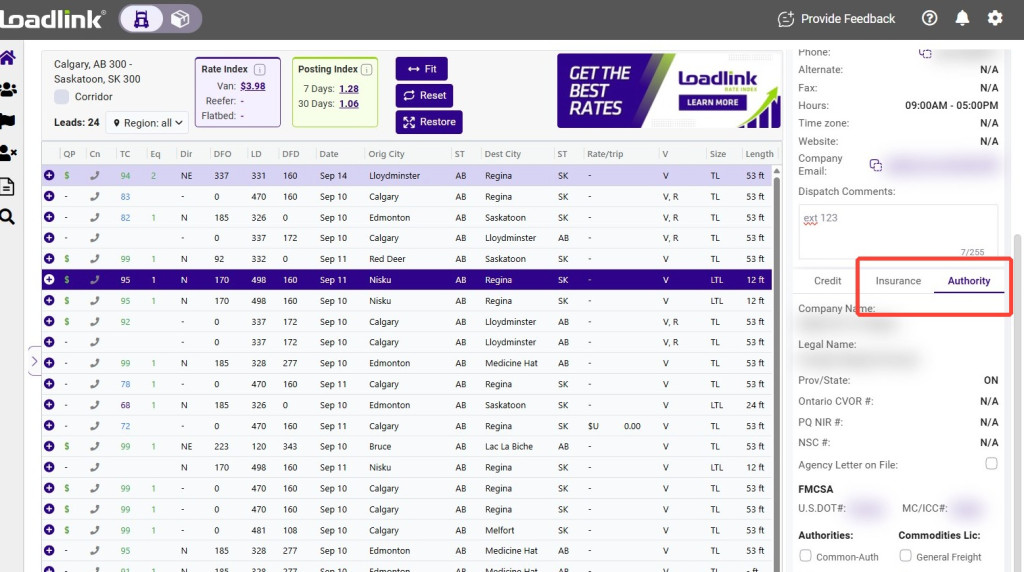
Where available, review the company’s insurance and Authority information for additional background on the load poster.